

Update (October 2026): iOS 16 was officially released on September 12, 2022 for the iPhone 8 and later, and iPadOS 16 followed on October 24, 2022. You no longer need a beta profile to get it. Apple also stopped using beta profiles with iOS 16.4: on iOS 16.4 or later, go to Settings > General > Software Update > Beta Updates and choose the beta you want. Your iPhone must be signed in with the same Apple Account you use on the Apple Developer website, or that you enrolled in the Apple Beta Software Program for public betas. The profile method below only applies to devices on iOS 16.3 or earlier.
In June 2022, Apple gave app developers a head start of about a month: the iOS 16 beta was released to them first, while everyone else had to wait until July for the public beta.
However, there was a very simple way to install the iOS 16 developer beta. It is completely legal and does not involve modifying your iPhone or iPad in any way.
To install an iOS 16 beta, you need a beta (developer) profile on your iPhone or iPad. You can download it from the iOS 16 Beta download page.
In this article
How to Install the iOS 16 Beta Profile
Before you start: Back up your iPhone or iPad to iCloud or to your computer. Beta software is unfinished, and a backup is the only way to get your data back if something goes wrong.
- On your iPhone or iPad, open the download page with the Install Profile button below.
- Look for the iOS 16 or iPadOS 16 beta, depending on whether you want to install it on your iPhone or your iPad.
- Tap the Download button.
- When the download is finished, open Settings. You will see a new item called Profile Downloaded. Tap it and install the beta profile. If it does not appear, go to Settings > General > VPN & Device Management (called Profile on older iOS versions) and look for the beta profile there.
- Restart your device if iOS asks you to.
- Go to Settings > General > Software Update and let your iPhone or iPad look for the beta. Then download and install it. This takes a while.
After this, you do not have to worry about updating the beta yourself. New beta versions arrive as normal software updates. When the final version of iOS 16 arrived in September 2022, devices with the profile could update to it as well. To stop receiving betas, remove the beta profile in VPN & Device Management.
Note: Any beta software is unfinished and may have bugs. That said, the iOS 16 beta was already quite polished and worked very well, which was not the case with the iOS 15 beta the year before.
iOS 16 Supported Devices
According to Apple, iOS 16 is available for the iPhone 8 and later:
- iPhone 14, iPhone 14 Plus, iPhone 14 Pro, iPhone 14 Pro Max
- iPhone 13, iPhone 13 mini, iPhone 13 Pro, iPhone 13 Pro Max
- iPhone 12, iPhone 12 mini, iPhone 12 Pro, iPhone 12 Pro Max
- iPhone 11, iPhone 11 Pro, iPhone 11 Pro Max
- iPhone XS, iPhone XS Max, iPhone XR, iPhone X
- iPhone 8, iPhone 8 Plus
- iPhone SE (2nd generation and later)
Before the release, this post (like many other sites) listed the iPhone 7 and iPhone 7 Plus as supported. The final version of iOS 16 does not support them.
iPadOS 16 Supported Devices
According to Apple, iPadOS 16 is available for:
- iPad (5th generation and later)
- iPad mini (5th generation and later)
- iPad Air (3rd generation and later)
- All iPad Pro models
Which Devices Lost Support?
Before the release, several sources claimed that iOS 16 and iPadOS 16 would not support the original iPhone SE, the iPhone 6s and 6s Plus, the 4th generation iPad mini and the 2nd generation iPad Air. That turned out to be true. The iPhone 7 and 7 Plus were dropped as well.
As a reminder, iOS 13 dropped support for the iPhone 6, the iPhone 5s, the 6th generation iPod touch, the 1st generation iPad Air and the 3rd generation iPad mini. iOS 14 supported all the same models as iOS 13.
When Was iOS 16 Released?
Every year, Apple holds a developer conference in June, called the Worldwide Developers Conference (WWDC). In 2022, it took place online from June 6 to 10. The conference is aimed at developers, but anyone can watch it.
At WWDC 2022, Apple presented new versions of iOS, iPadOS, macOS, watchOS and tvOS. The final version of iOS 16 was released on September 12, 2022, and iPadOS 16 on October 24, 2022.
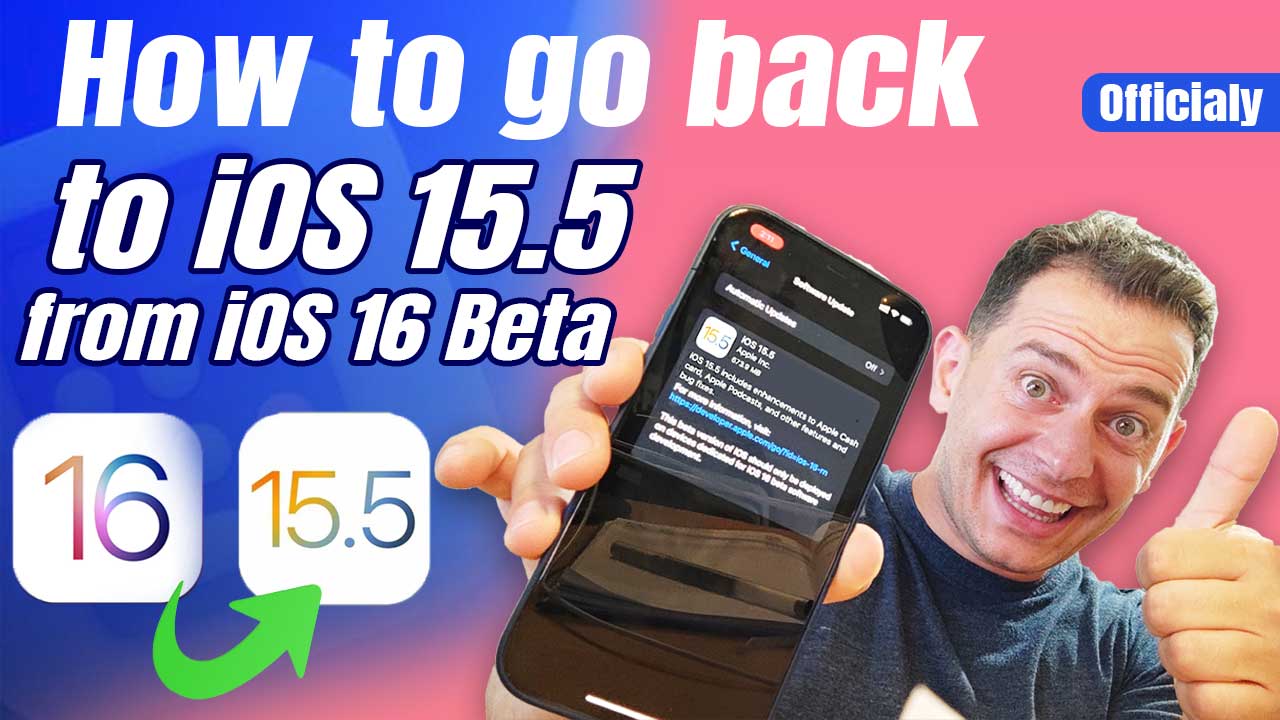
Changed your mind about the beta? See how to go back to iOS 15 from the iOS 16 beta without losing data.

Download link
Hi Mujeeb, the iOS 16 beta finished a long time ago, and betas don’t need a profile download anymore. Since iOS 16.4 you sign up with your Apple ID at https://beta.apple.com and then pick the beta in Settings > General > Software Update > Beta Updates. Keep in mind iOS 16 and newer need an iPhone 8 or later, so an iPhone 7, 6s or first generation SE stays on iOS 15.
Ios16
Hey Samir 👋
If you’re referring to iOS16, make sure to back up your device first and use a verified Apple beta profile — that’s the safest way to install iOS betas. 📱