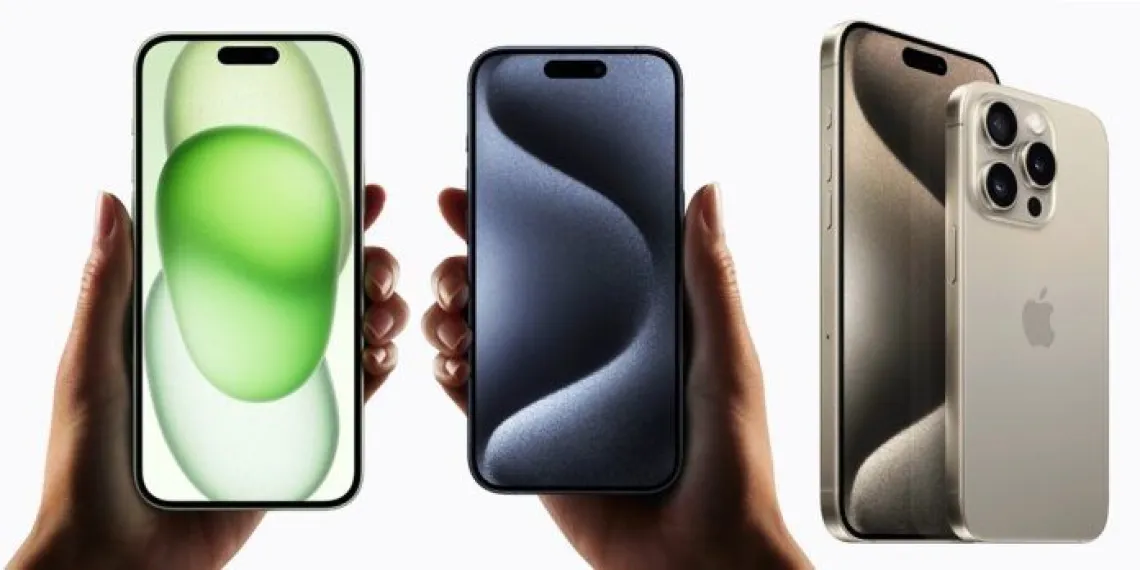
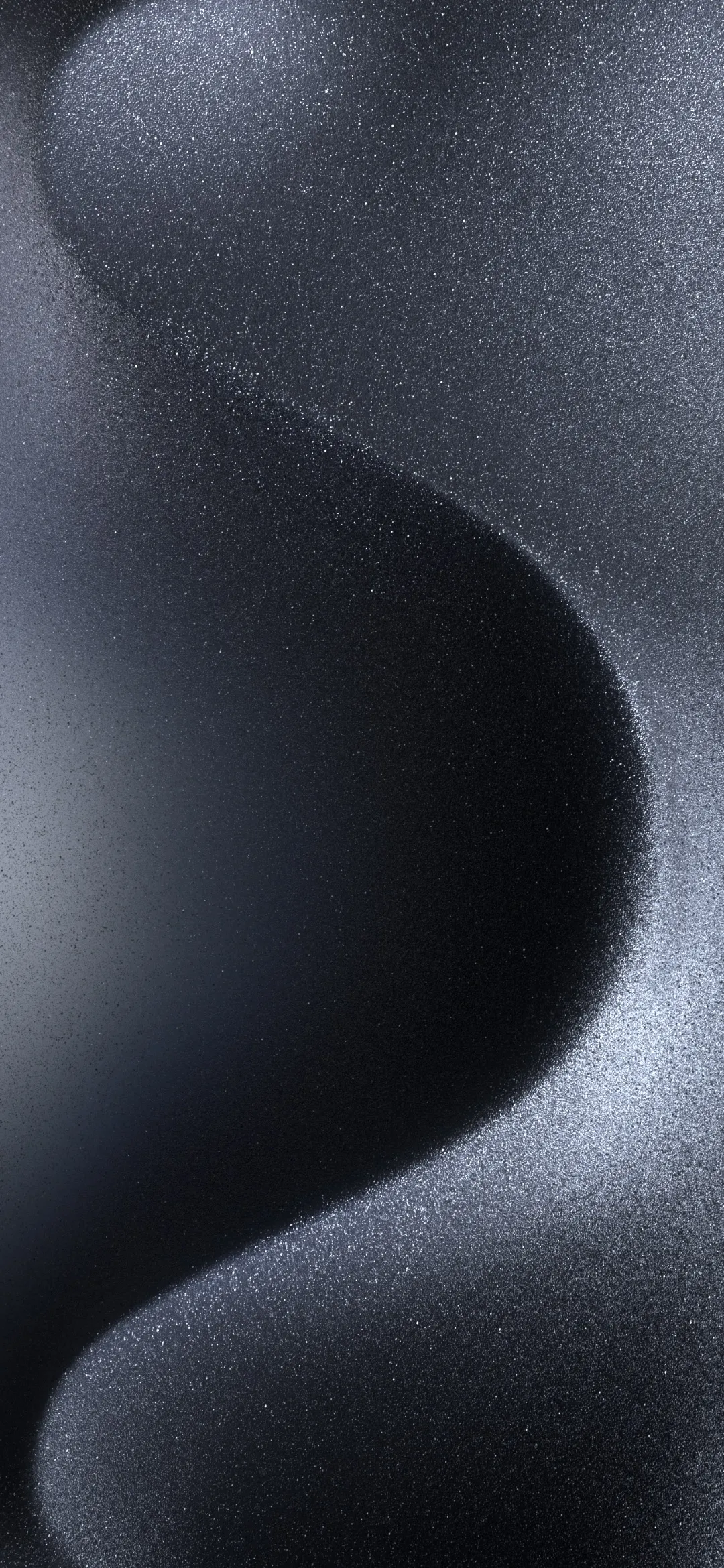
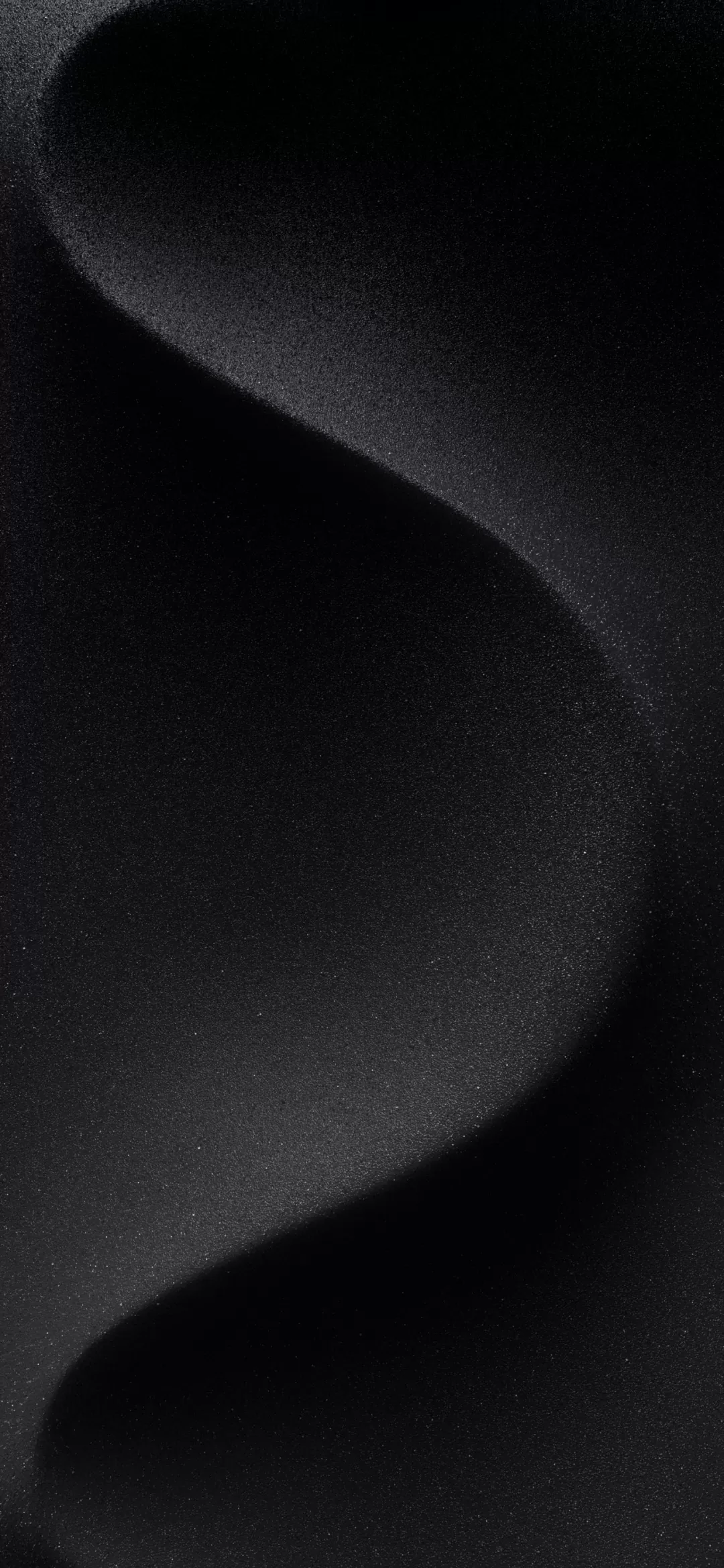
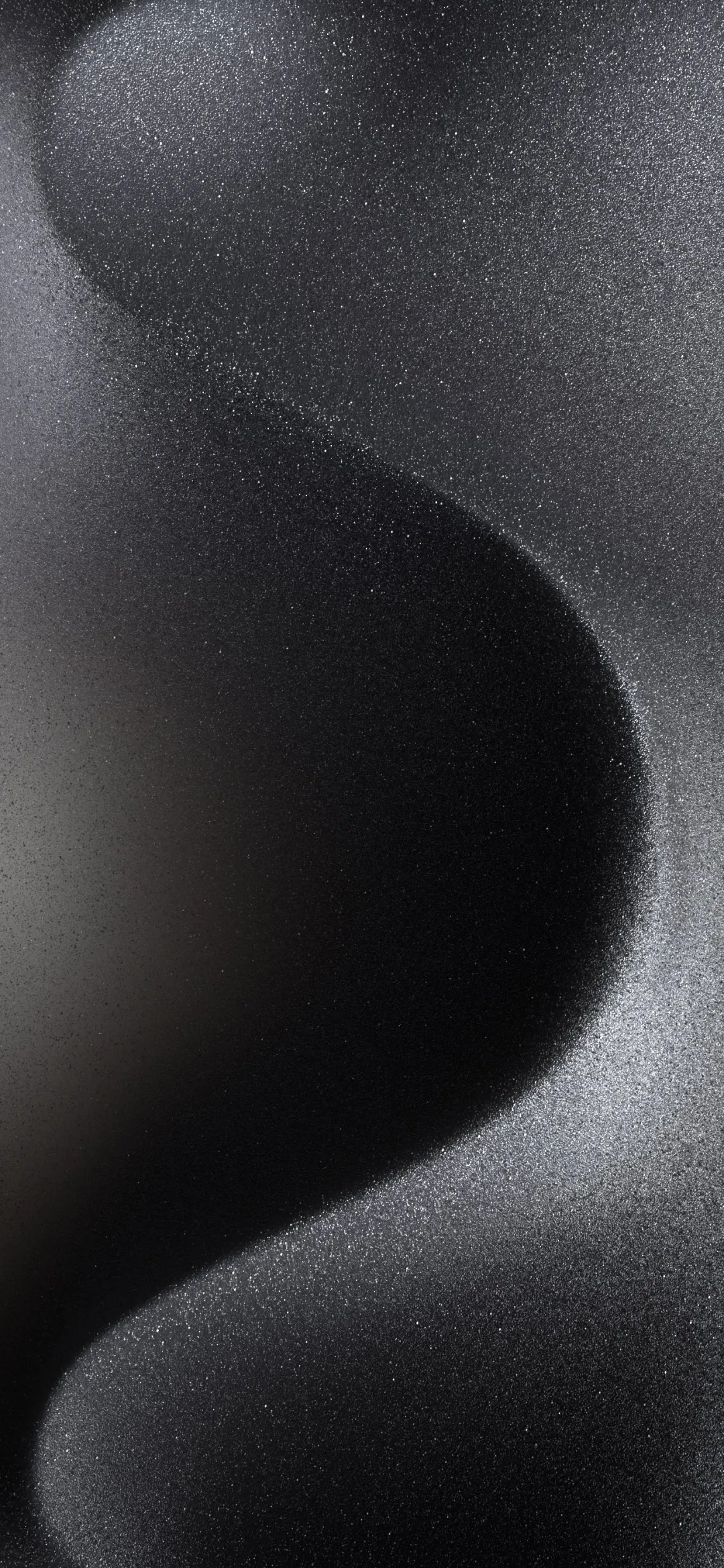
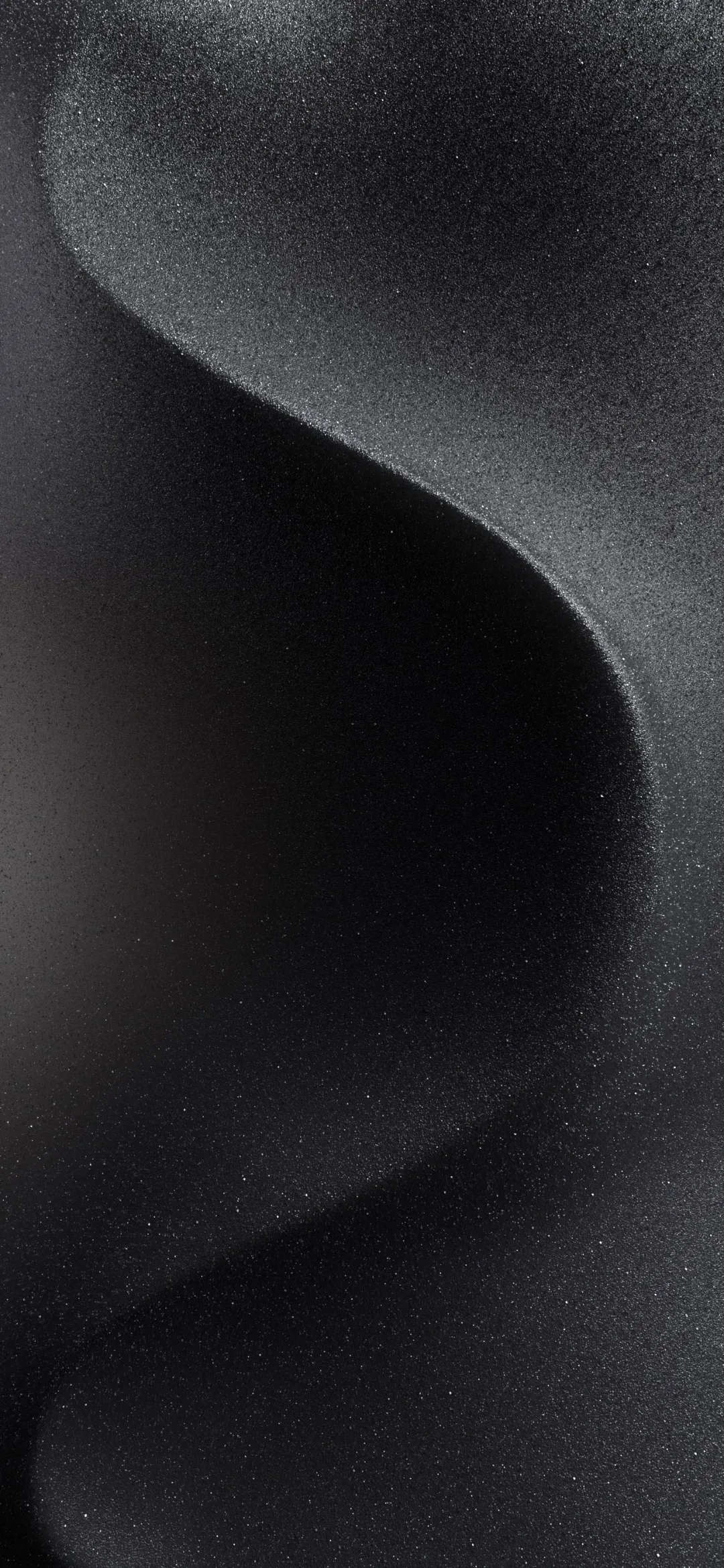
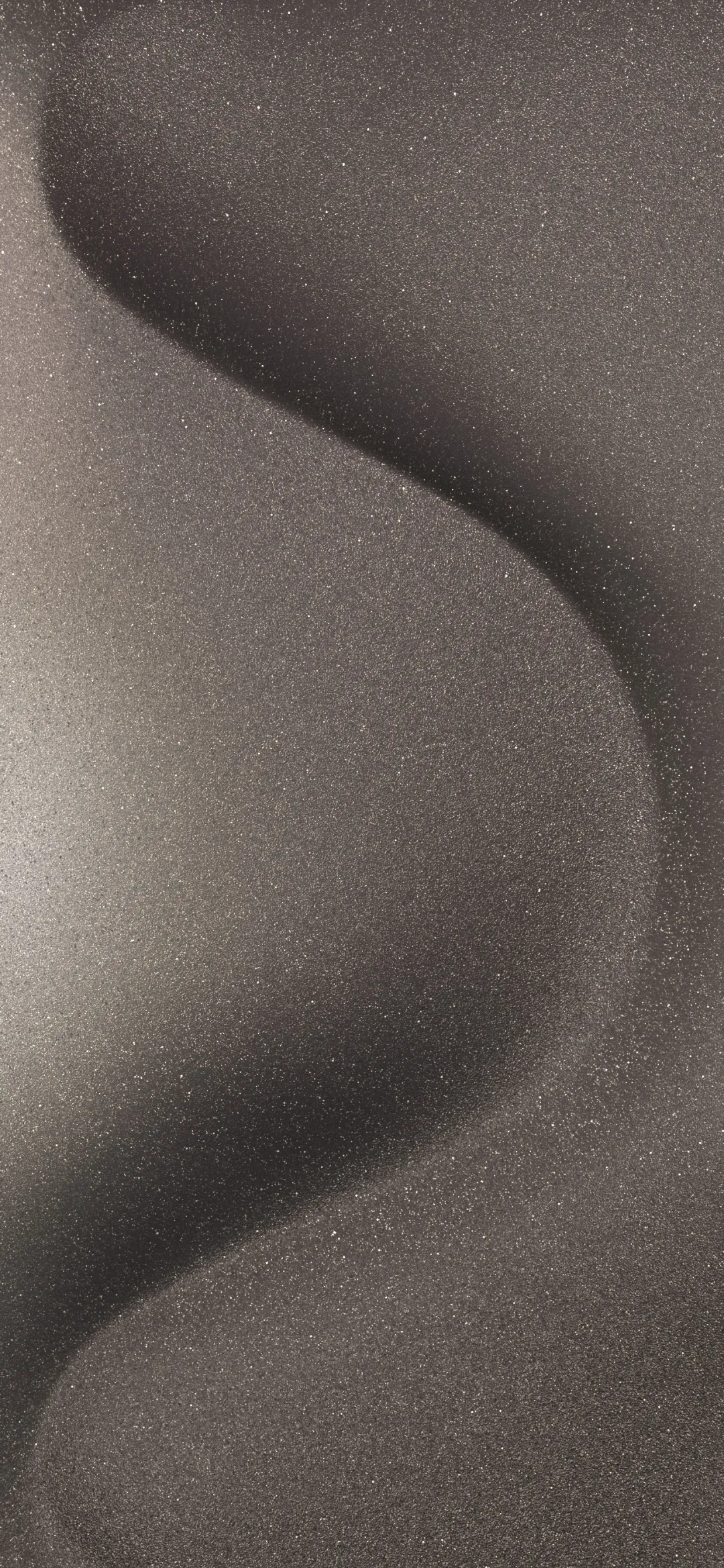
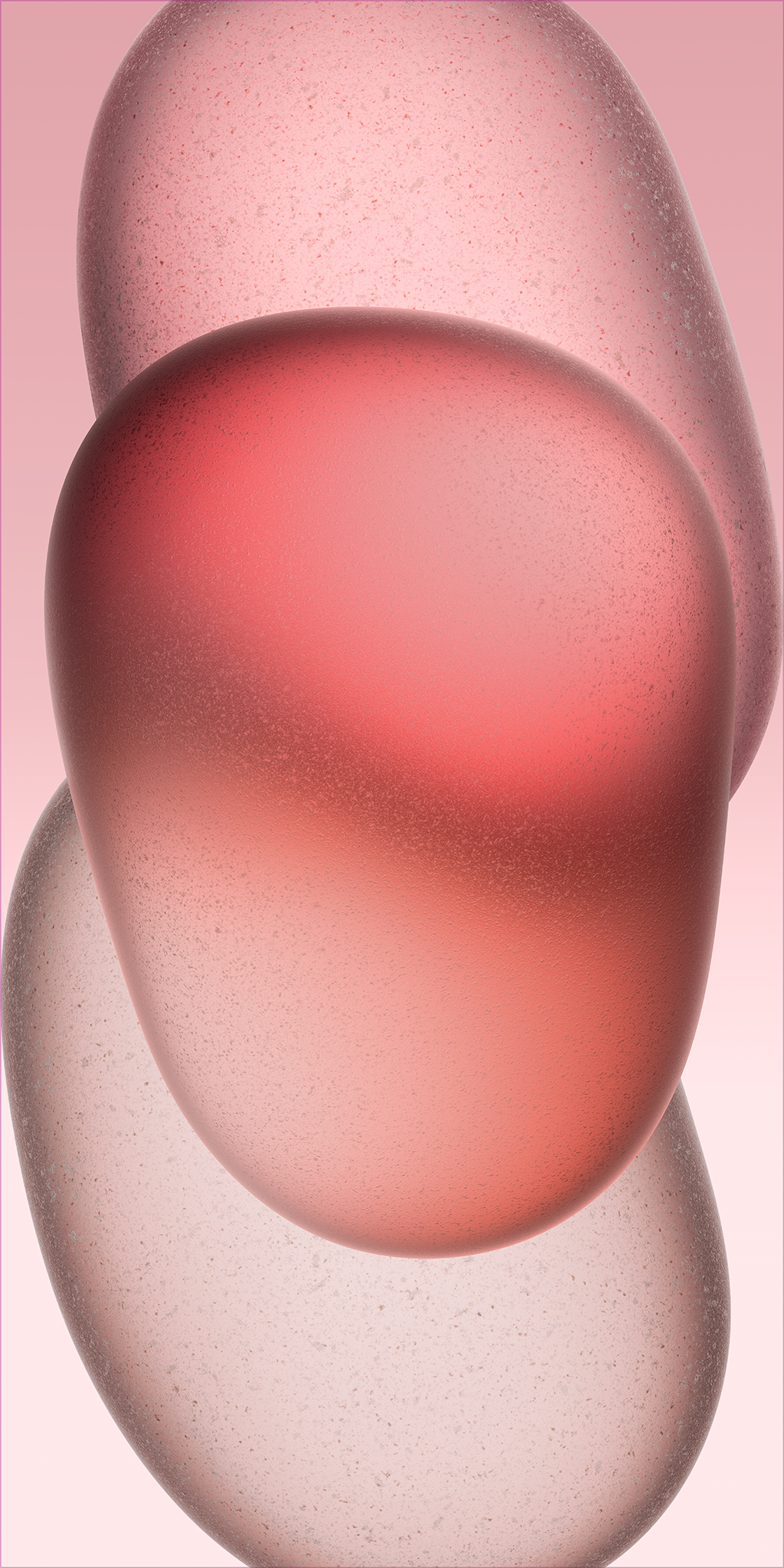
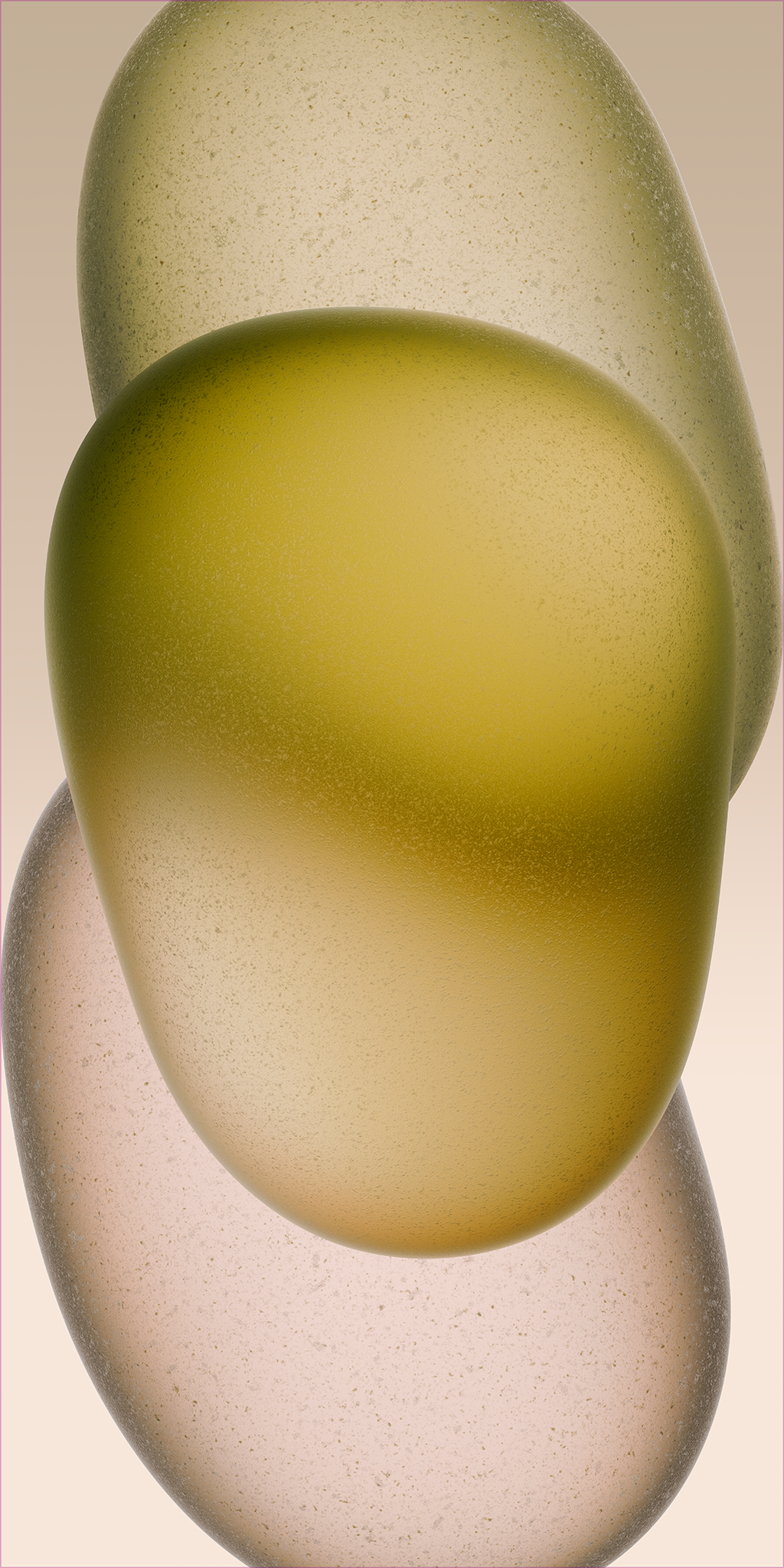
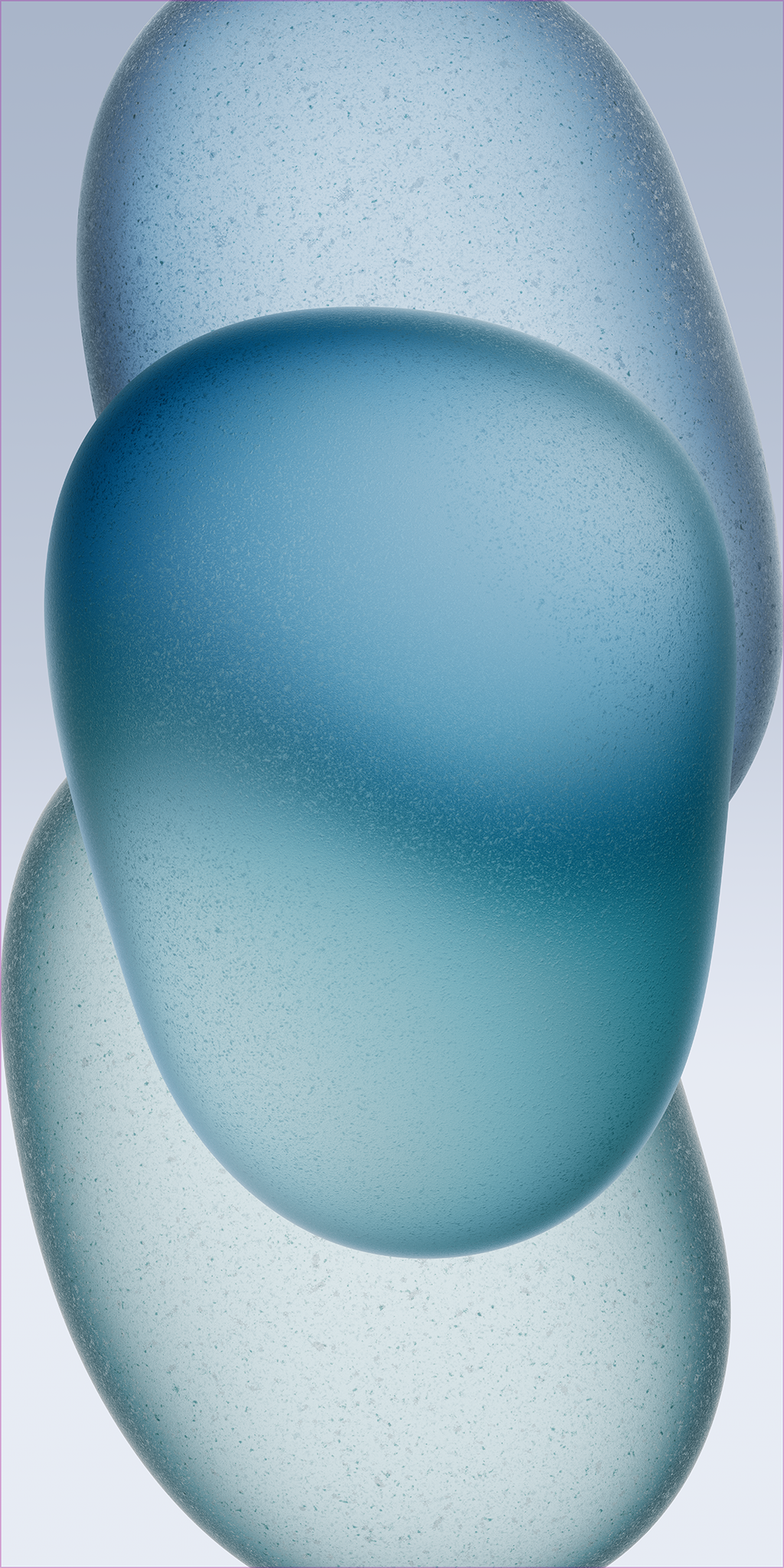
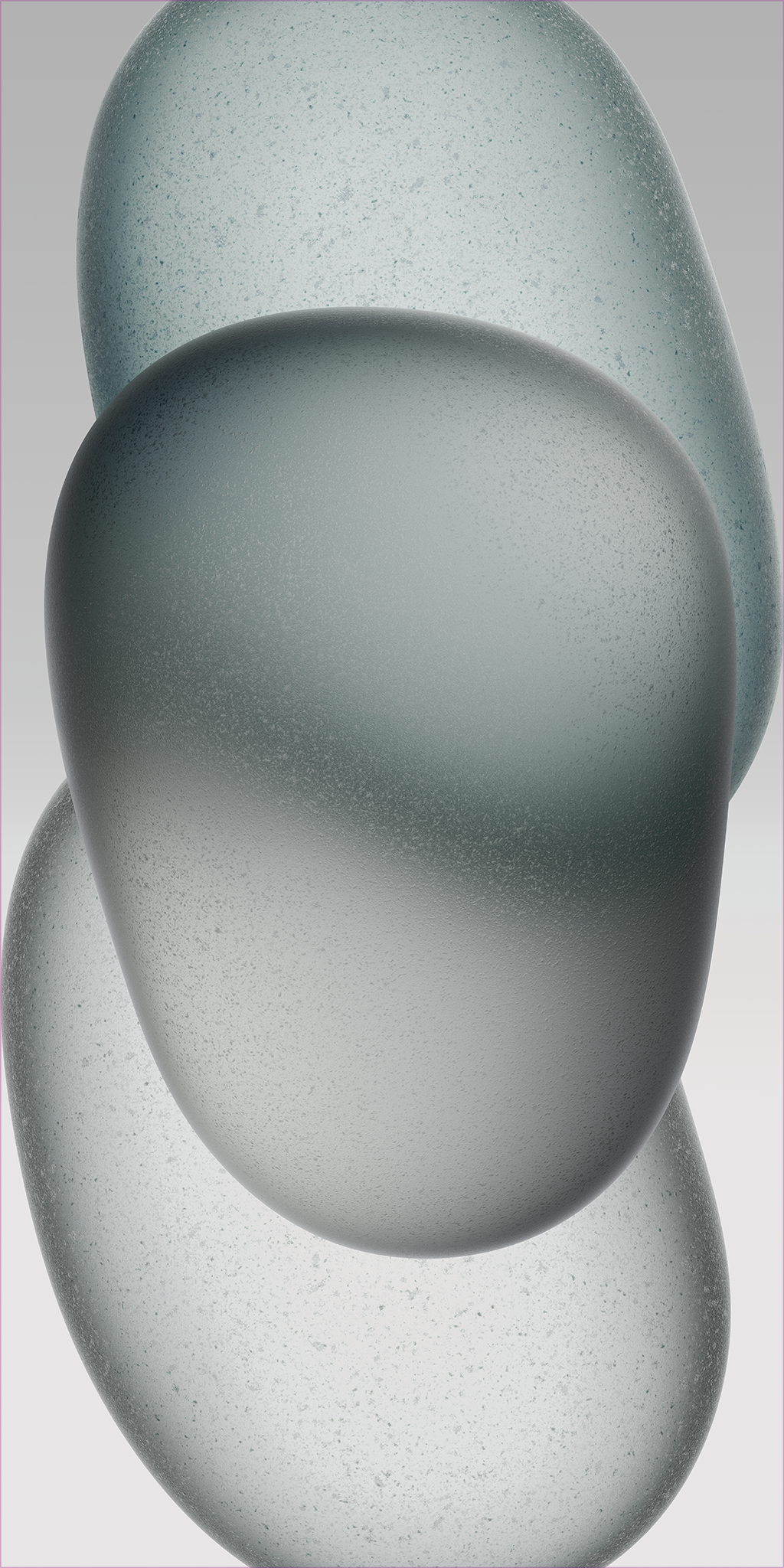
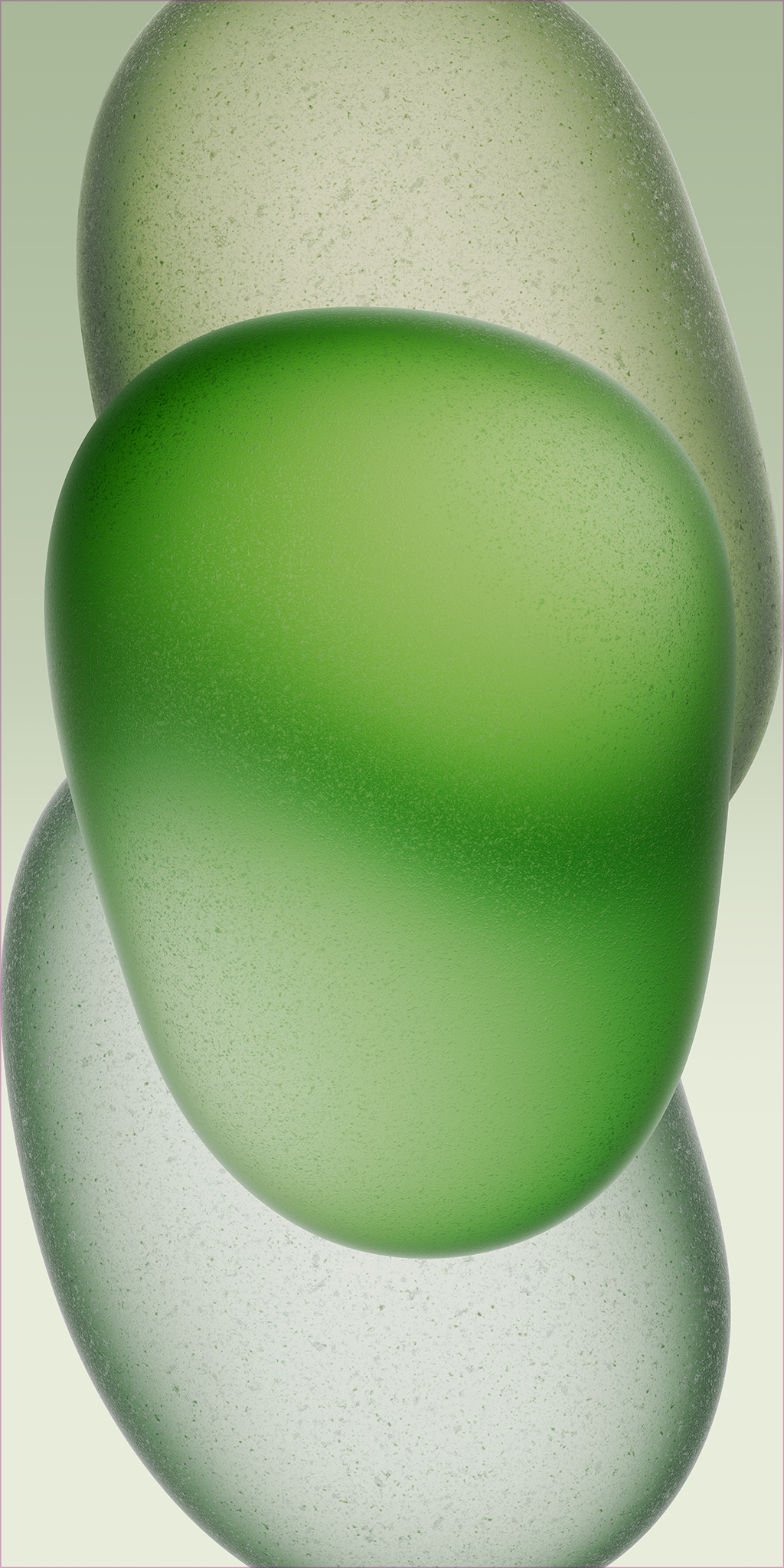
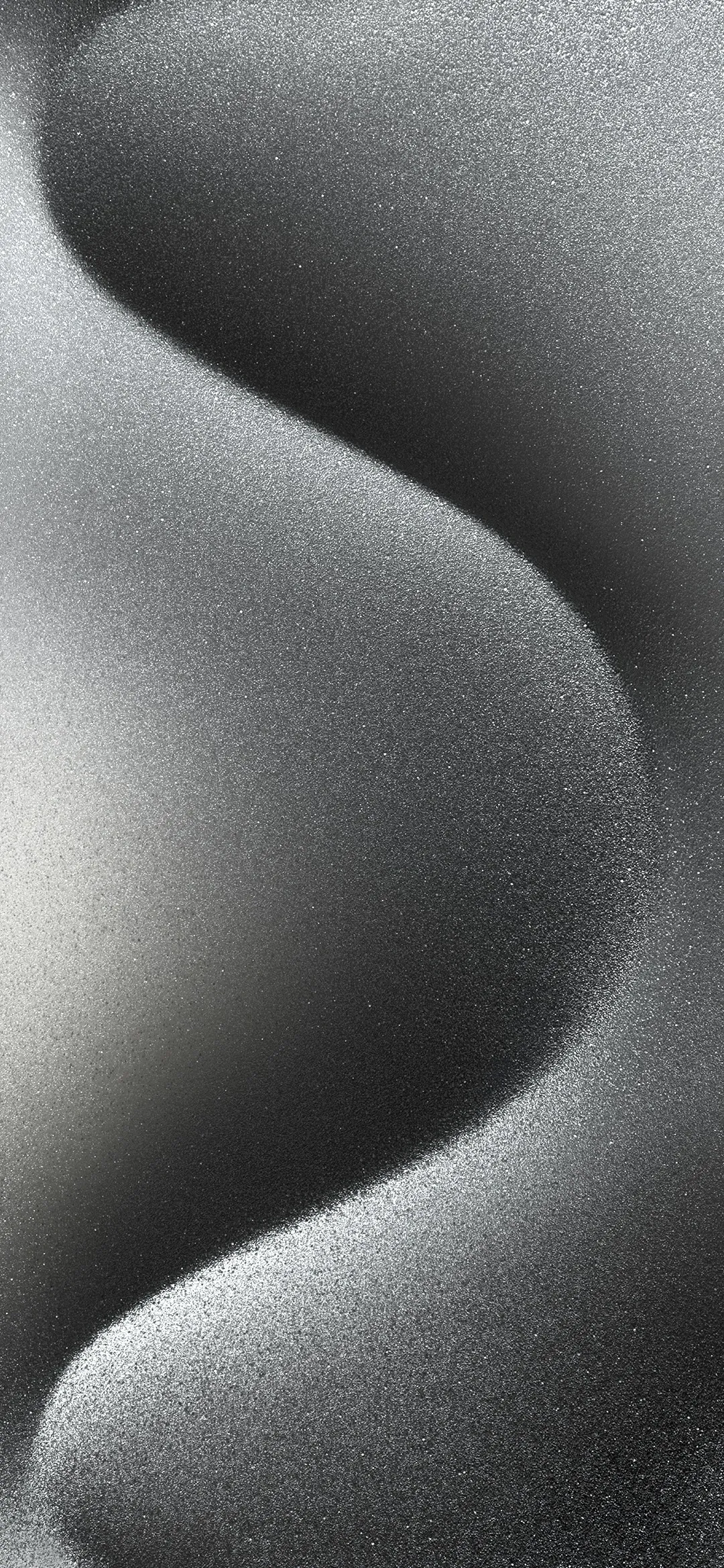
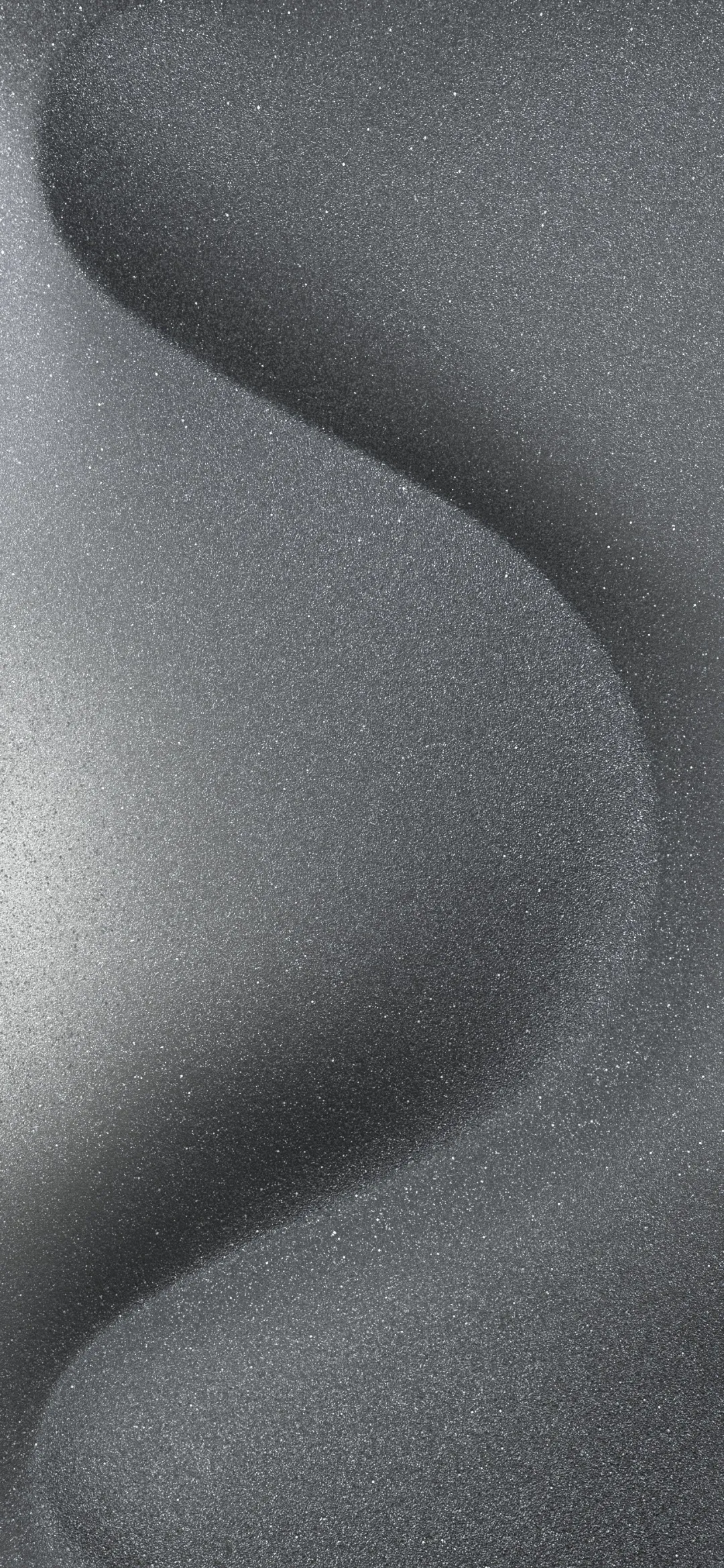
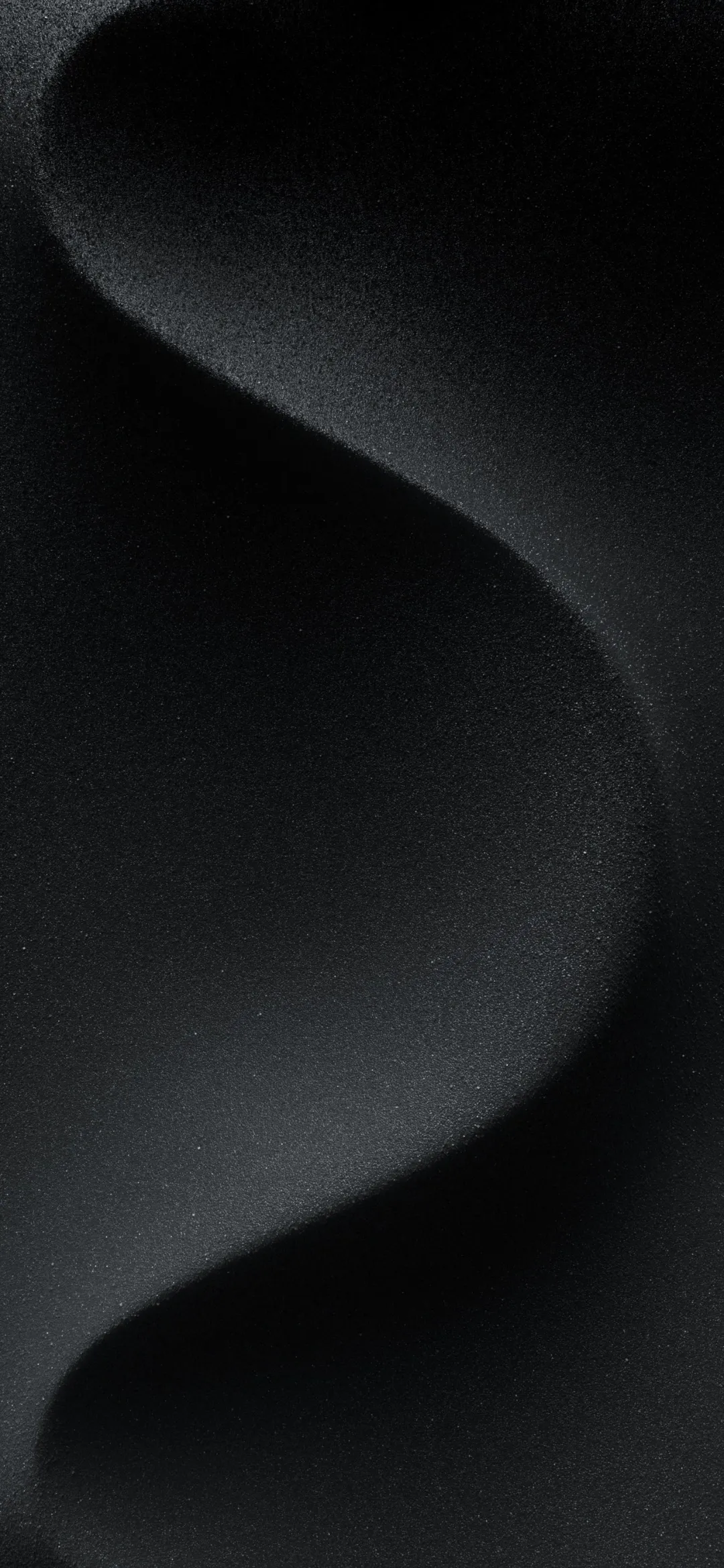
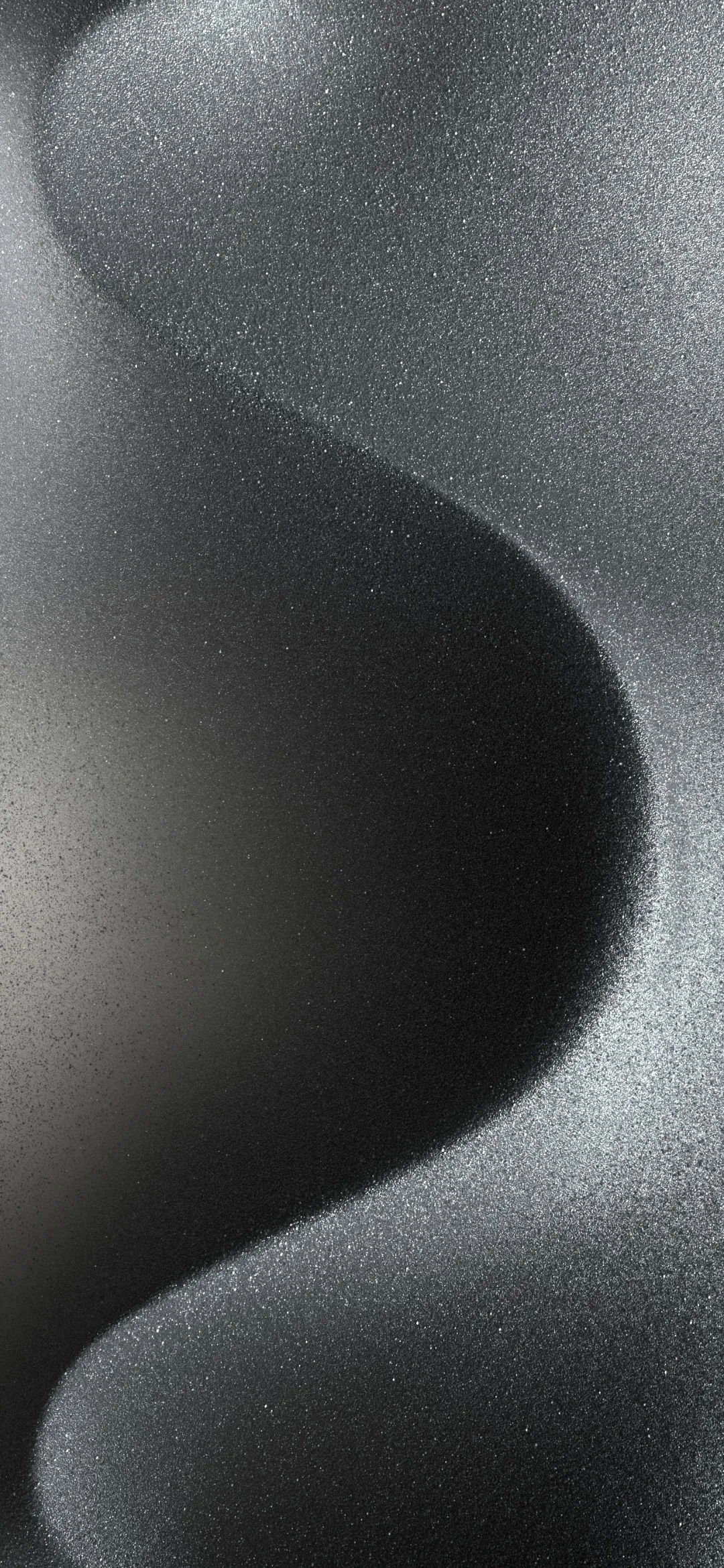
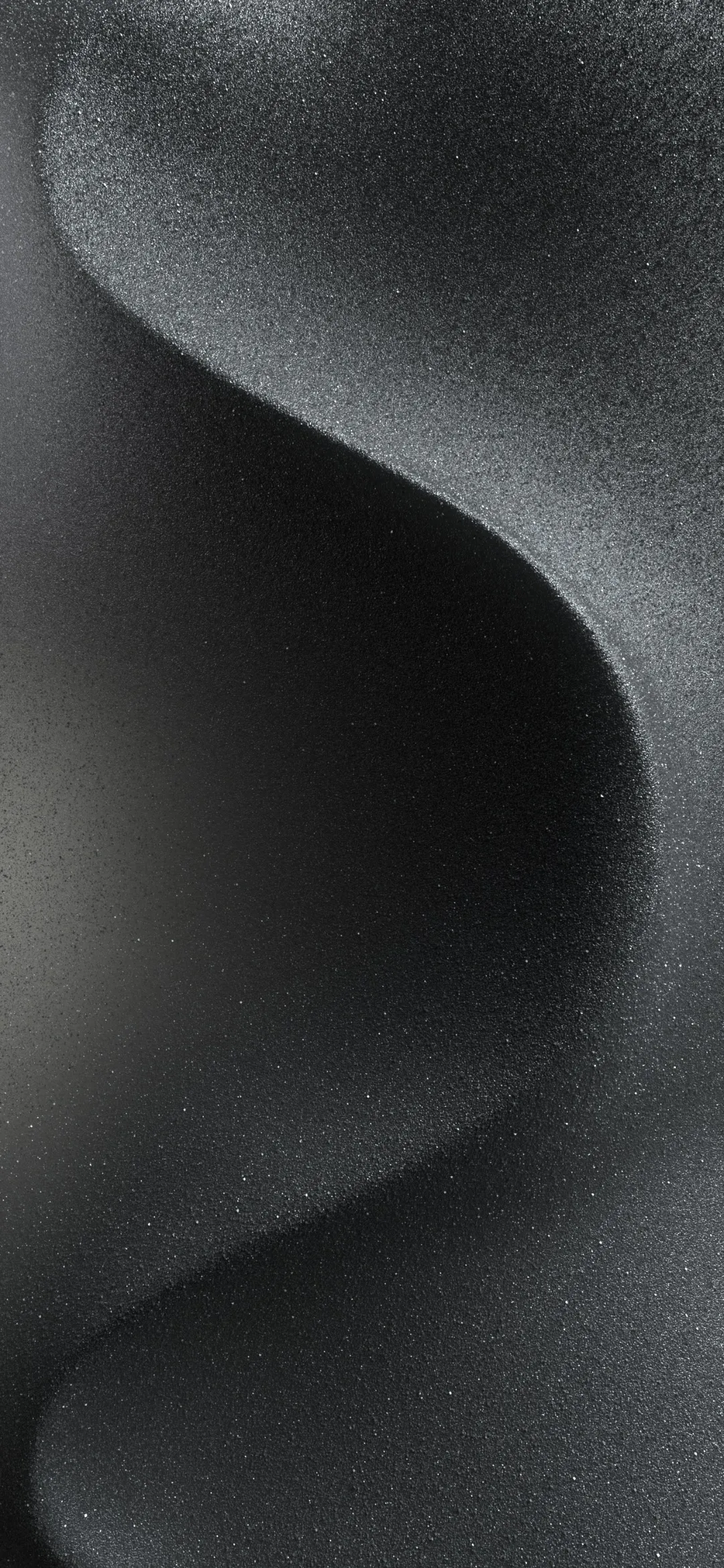
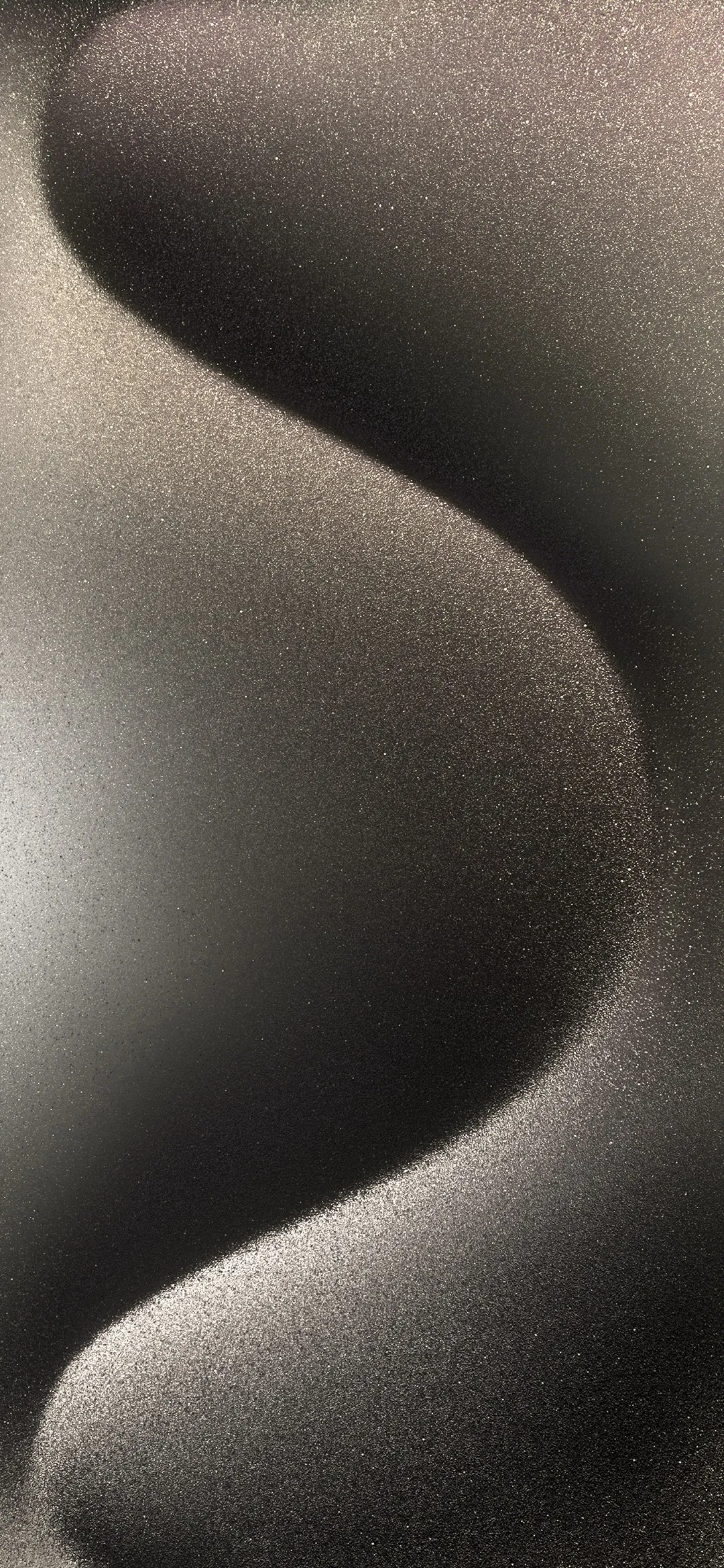
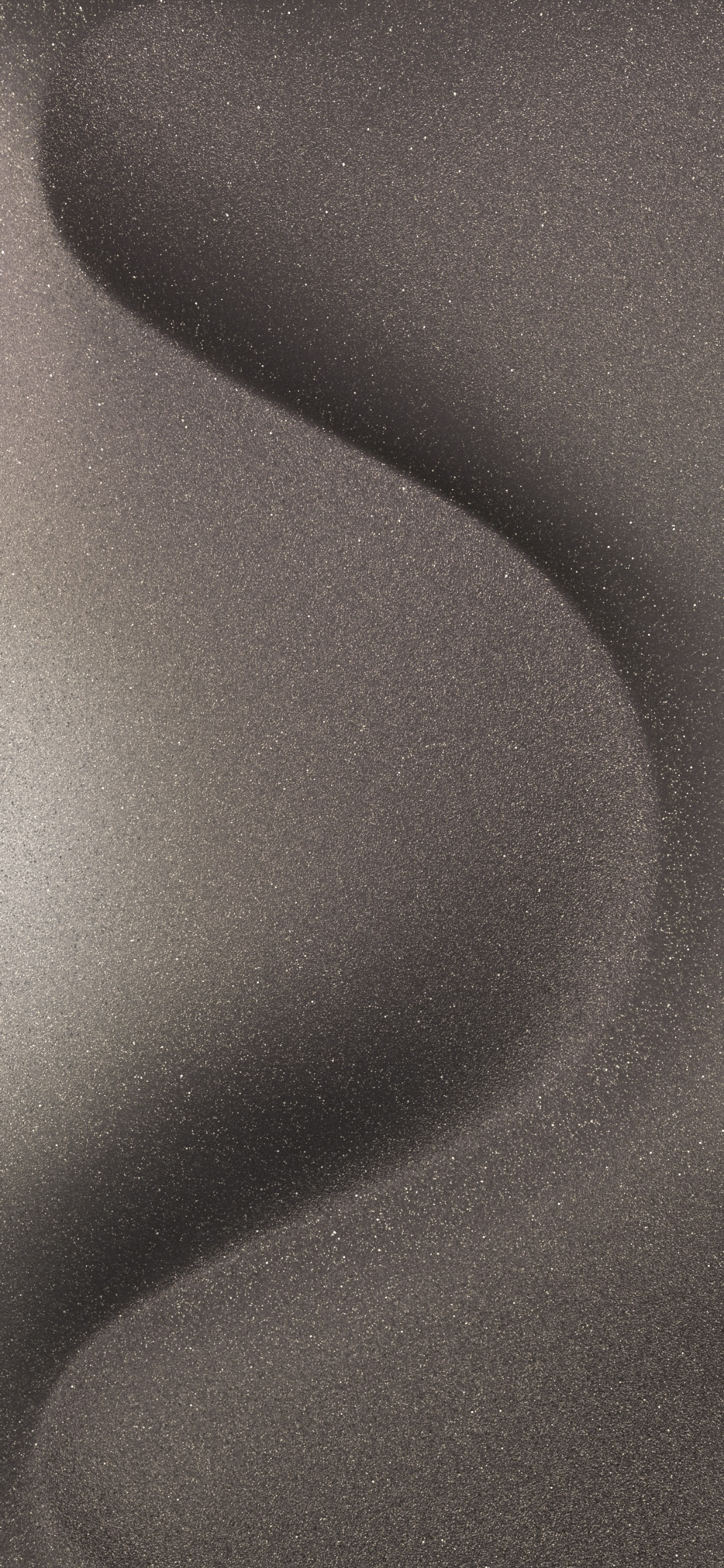
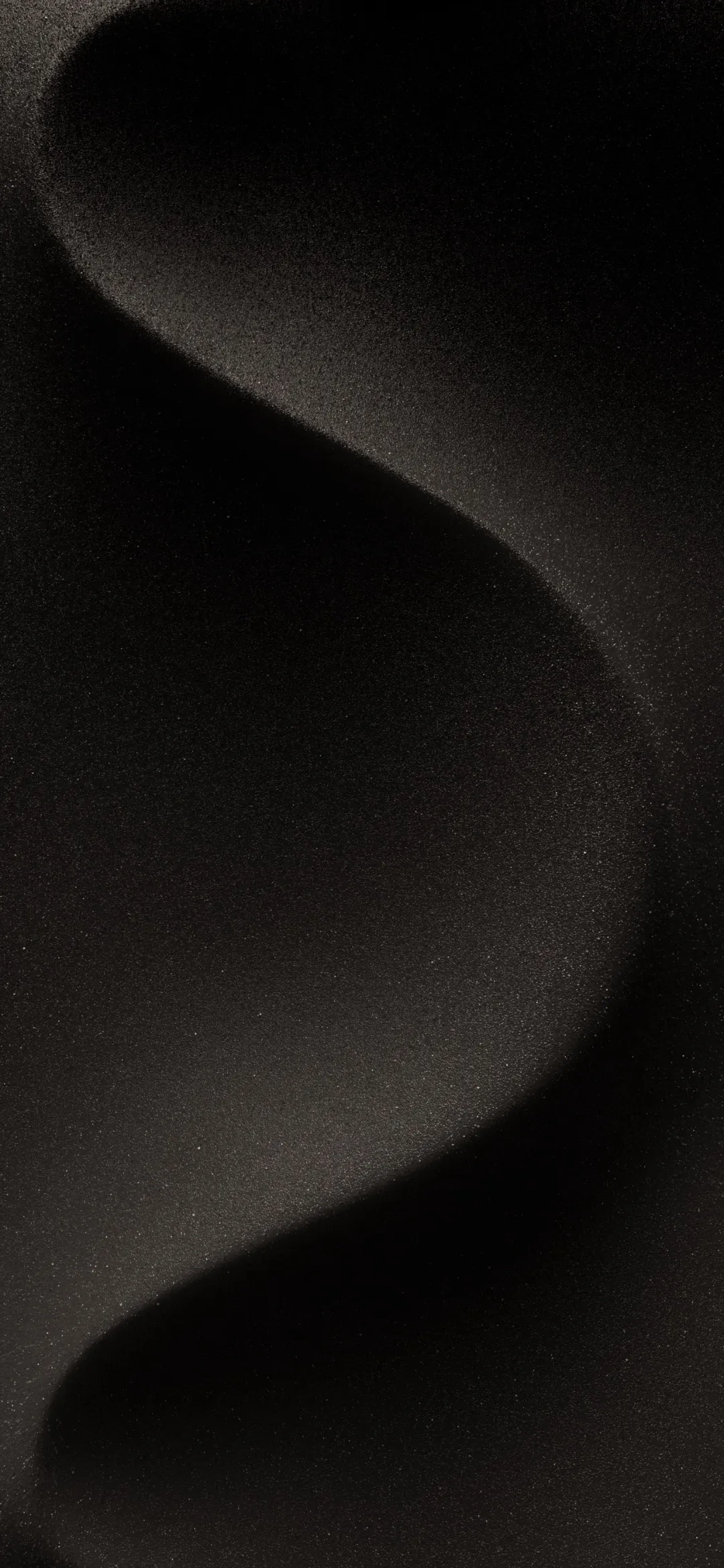
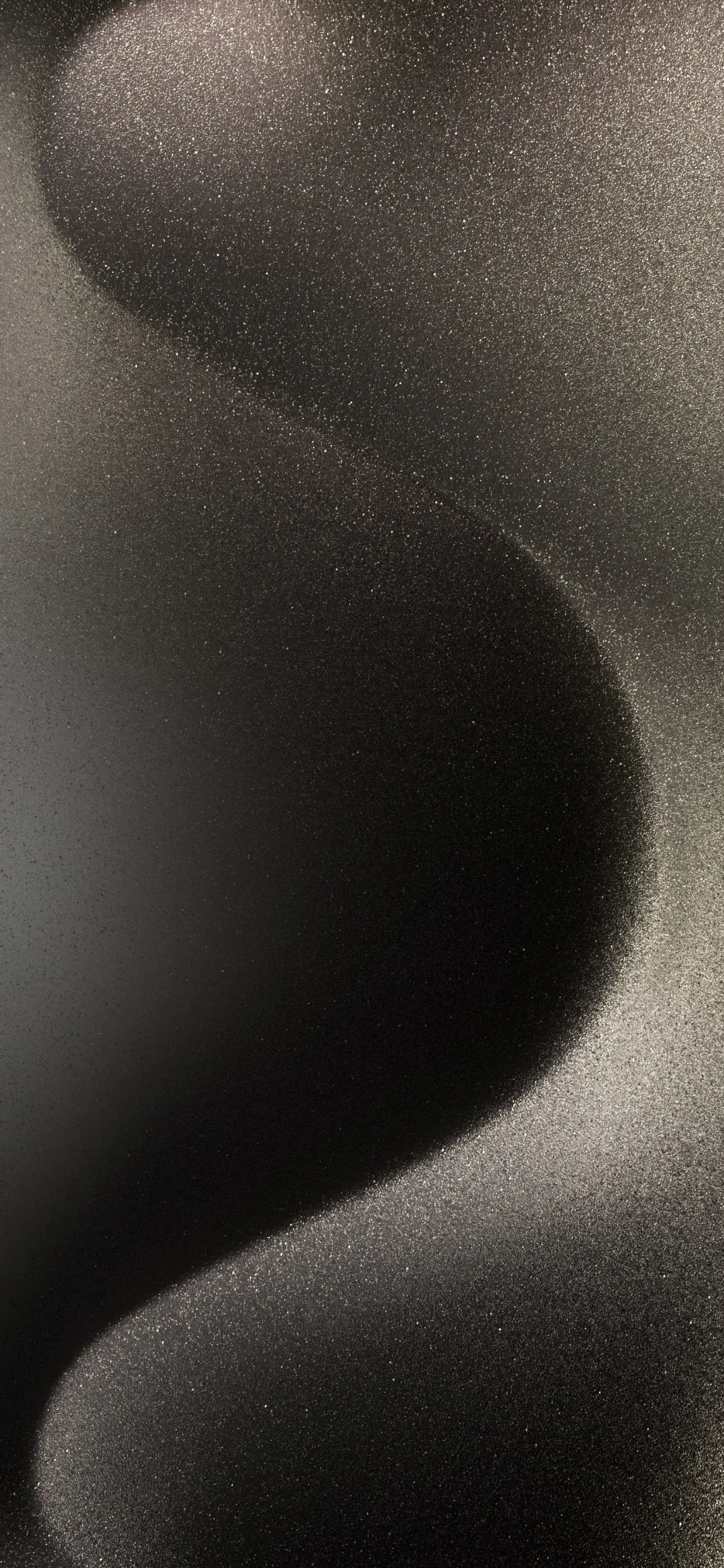
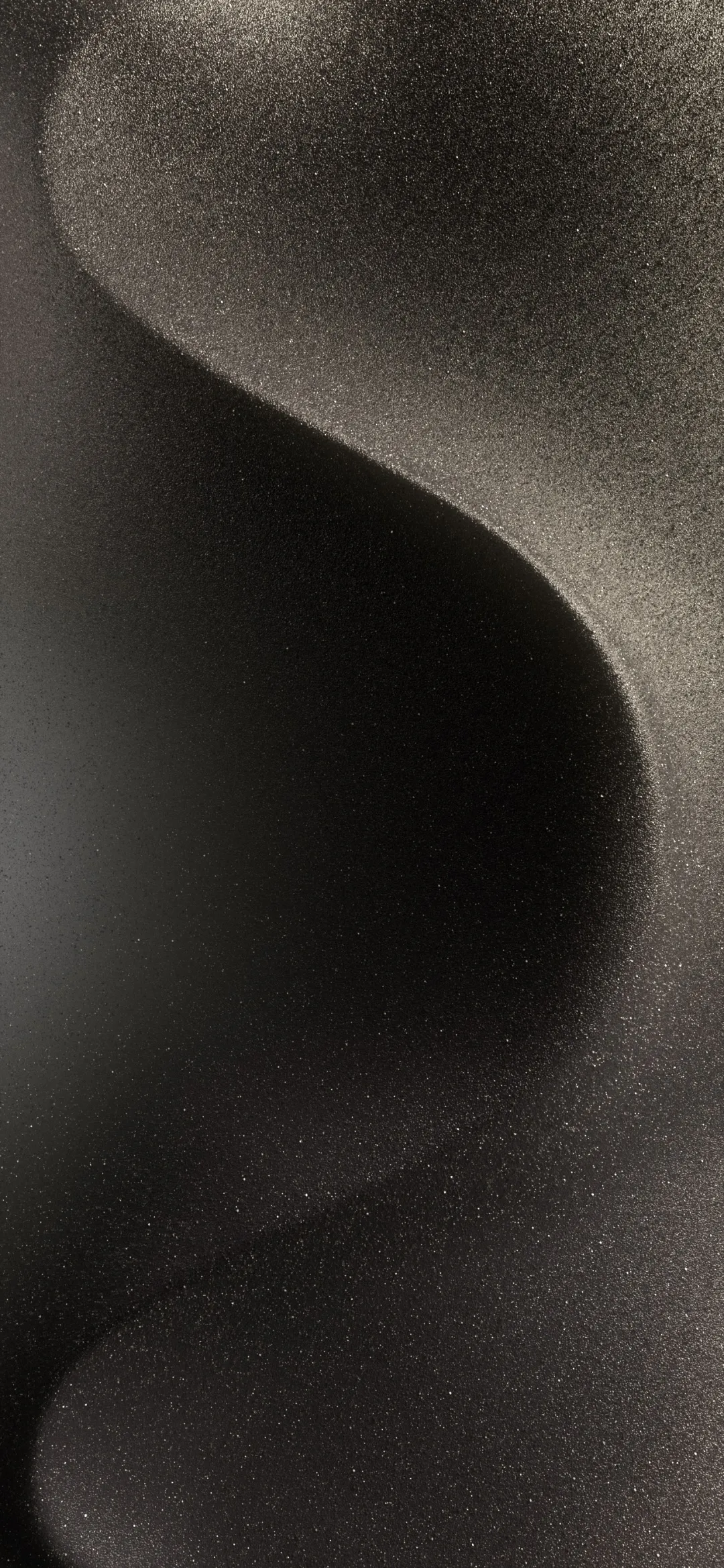
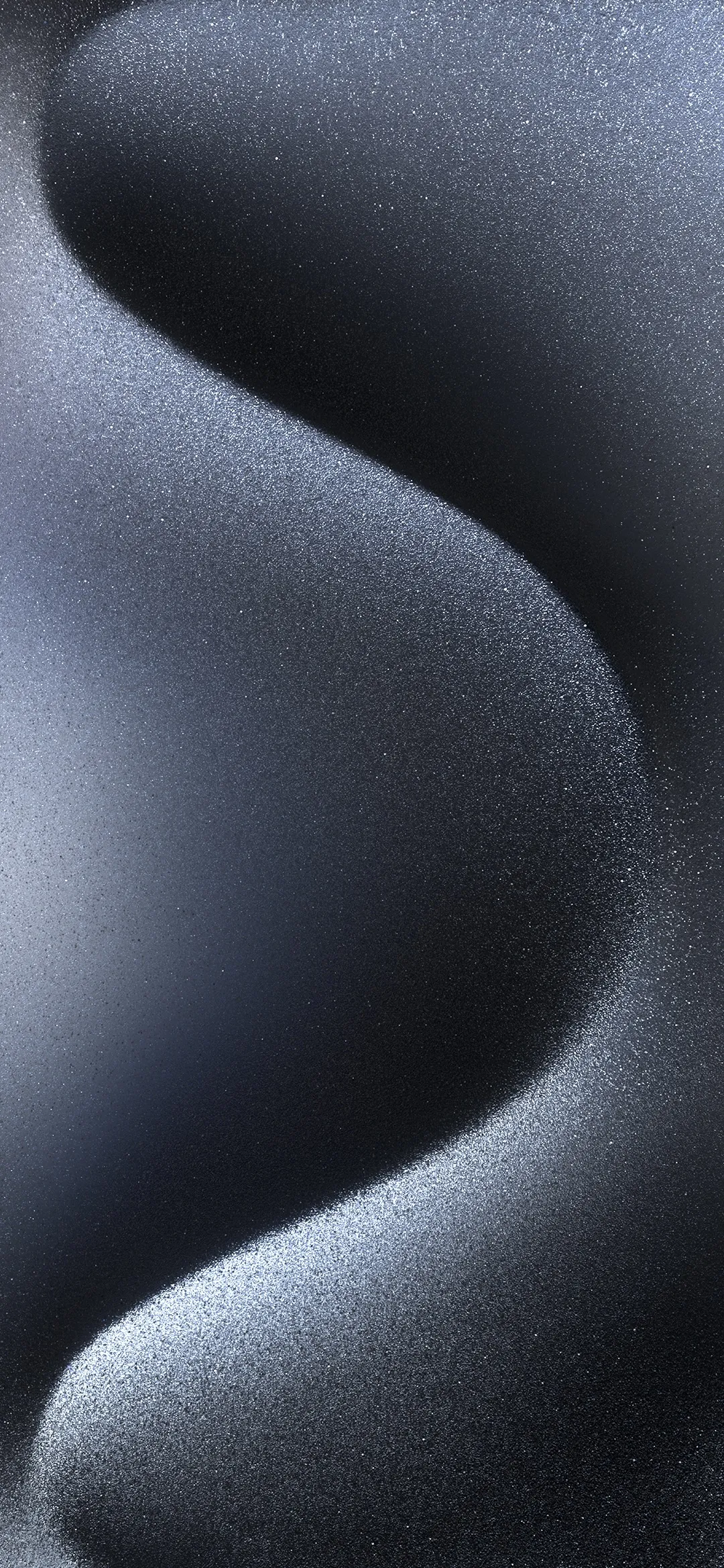
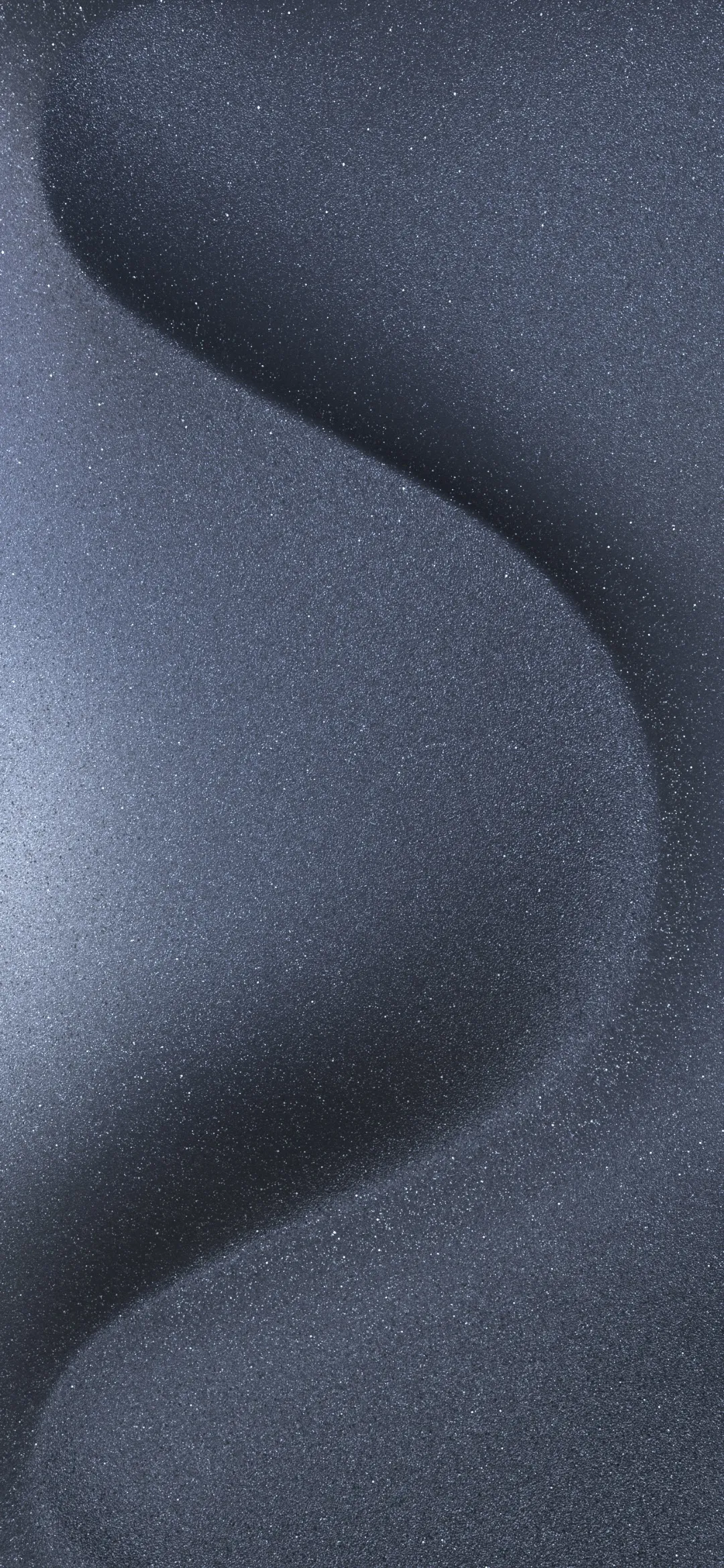
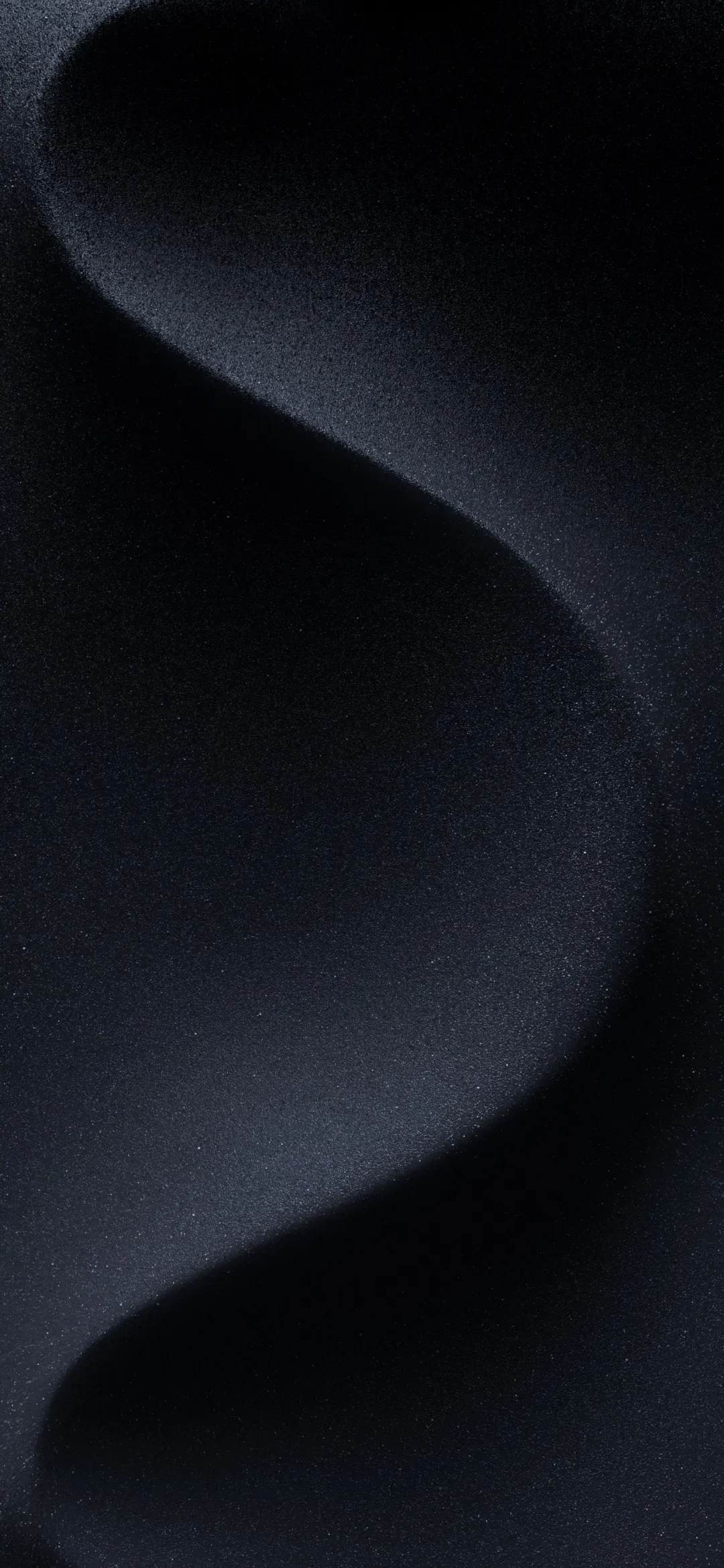
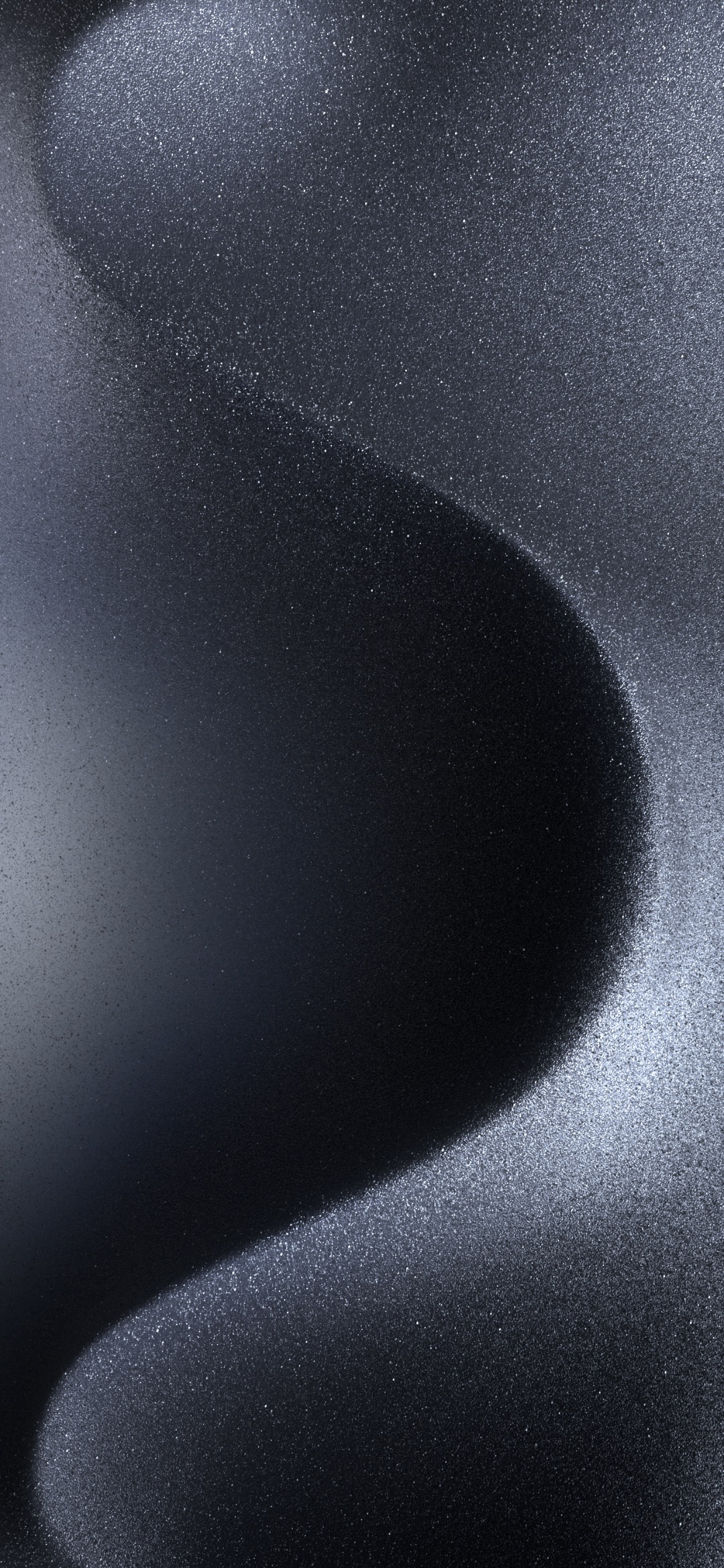
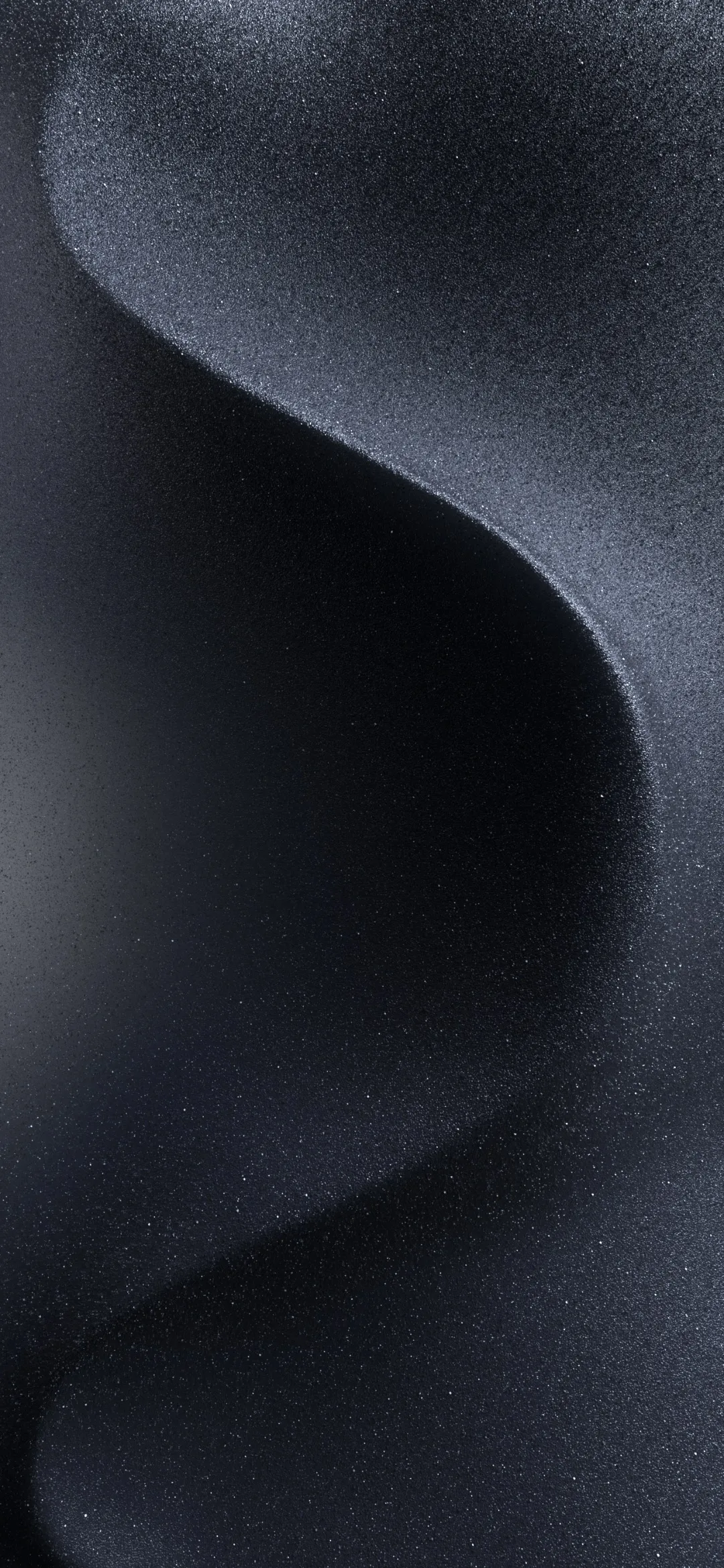
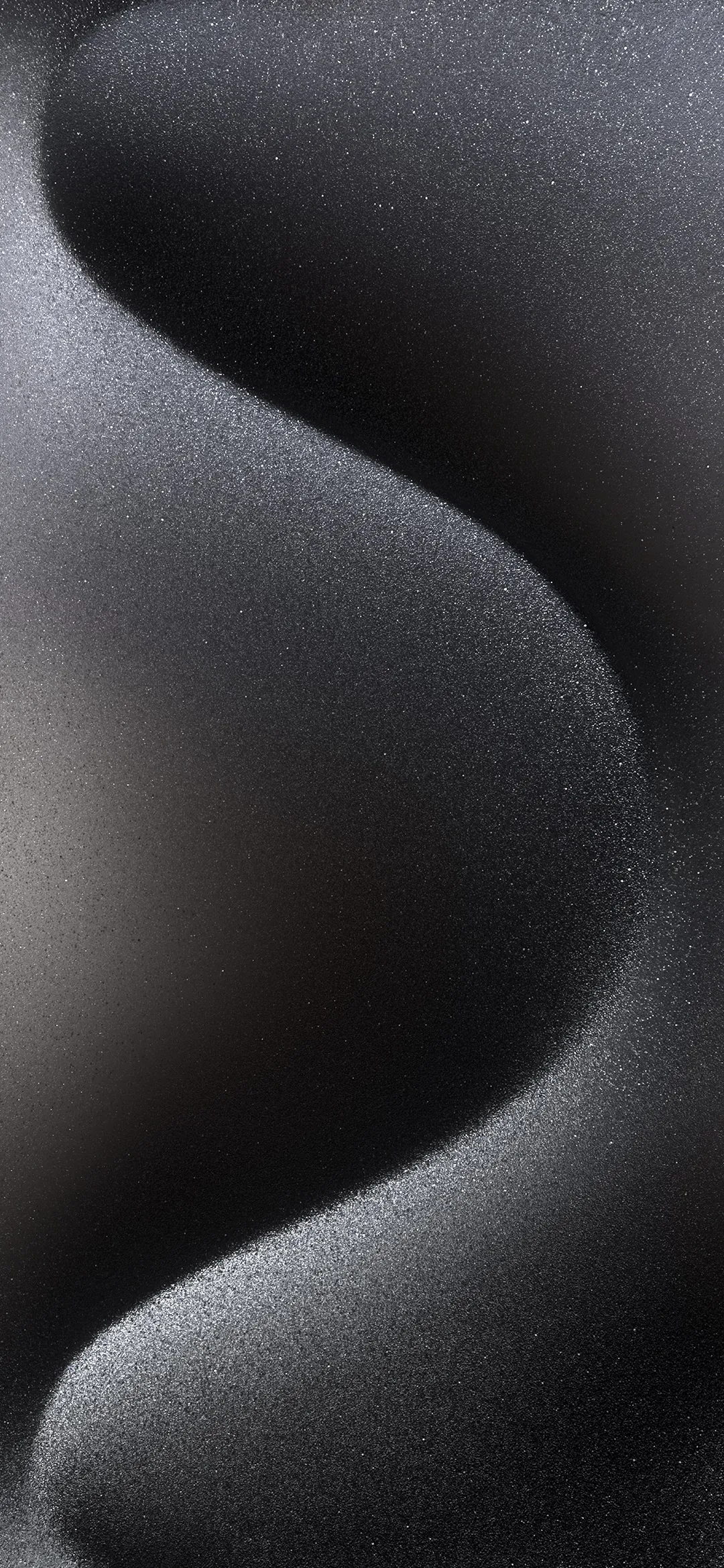
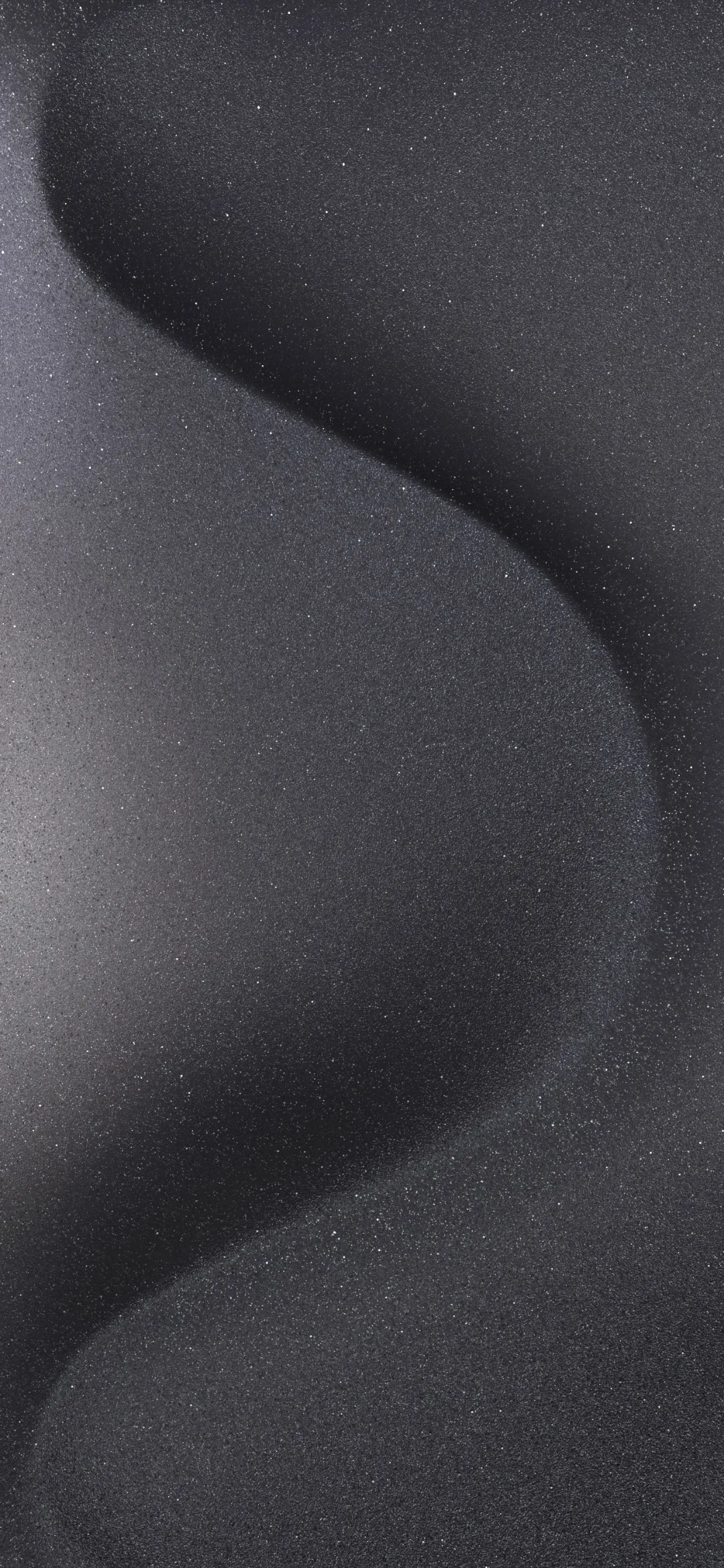
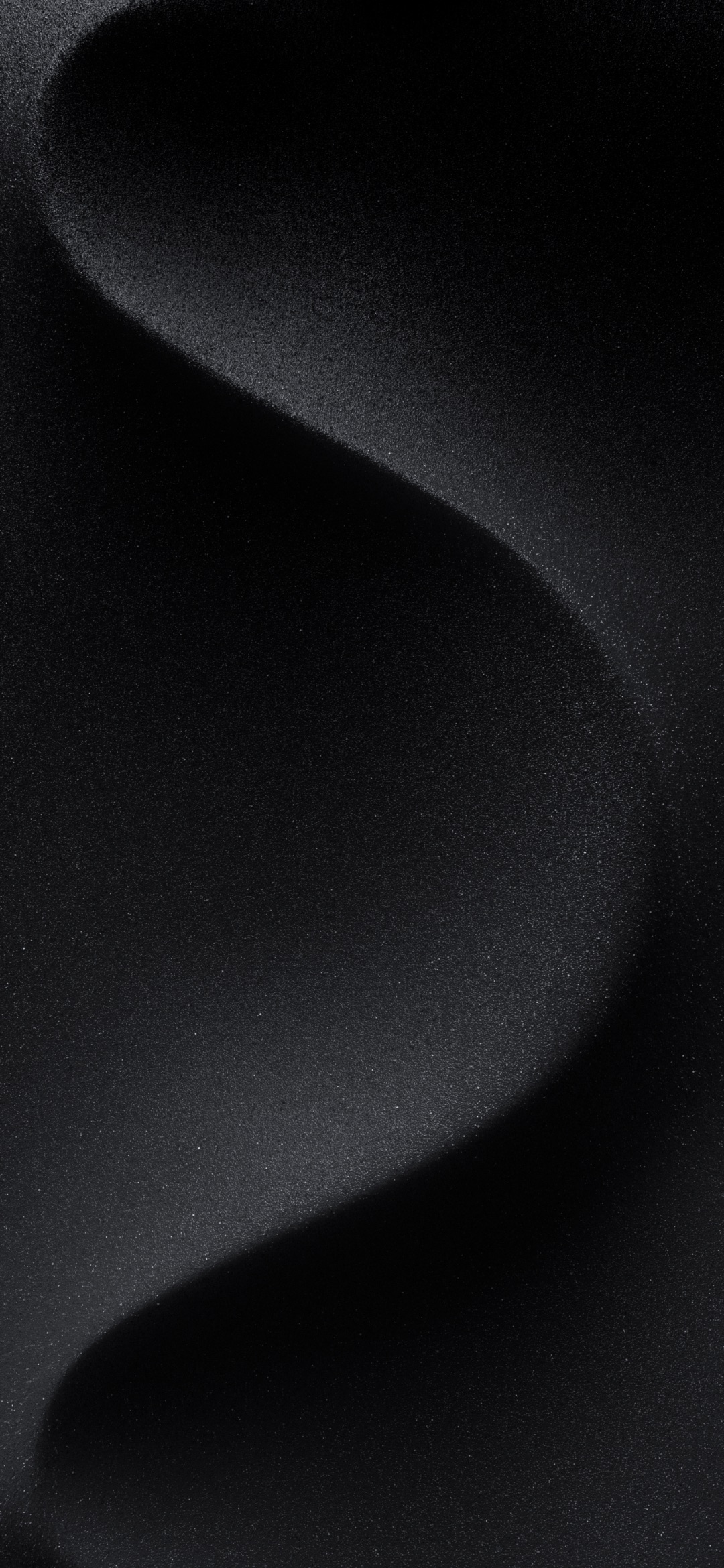
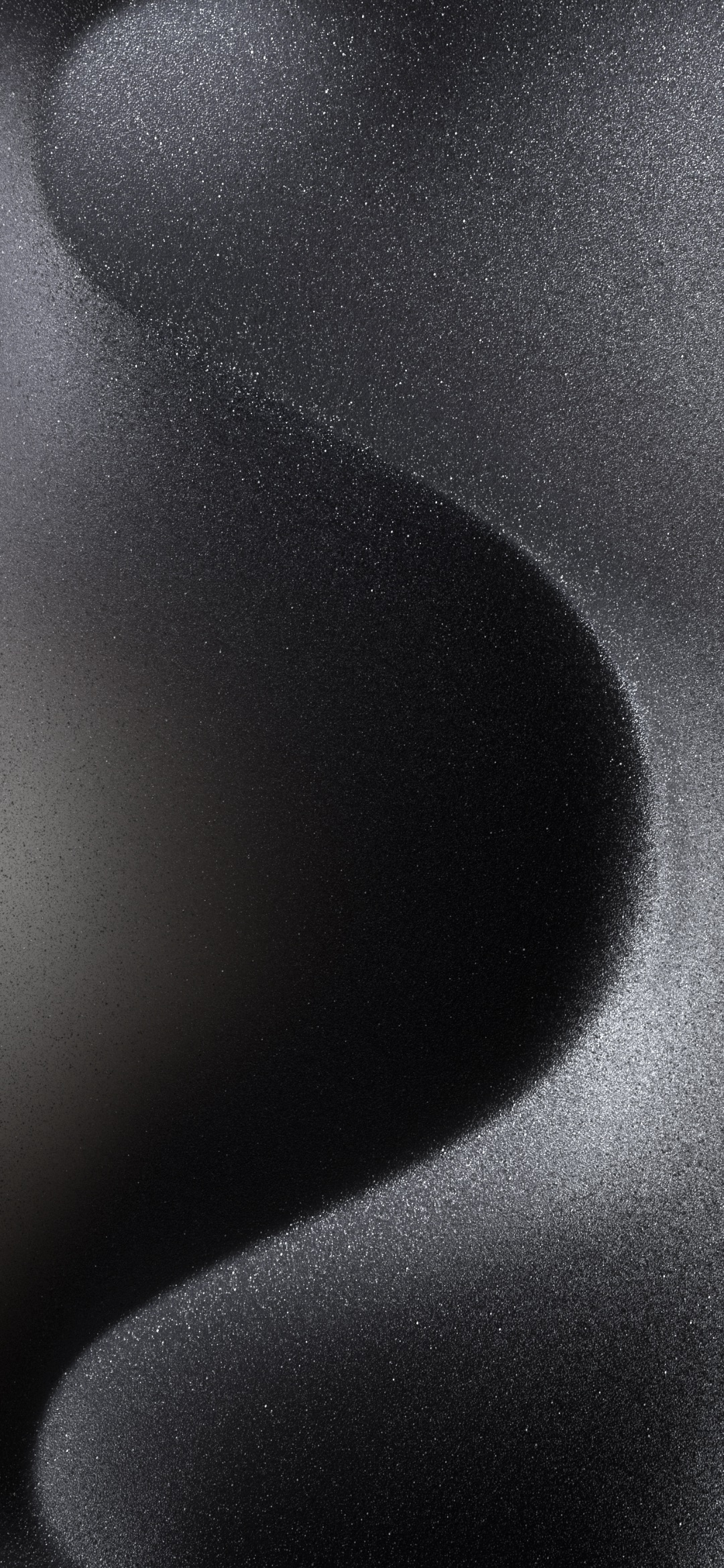
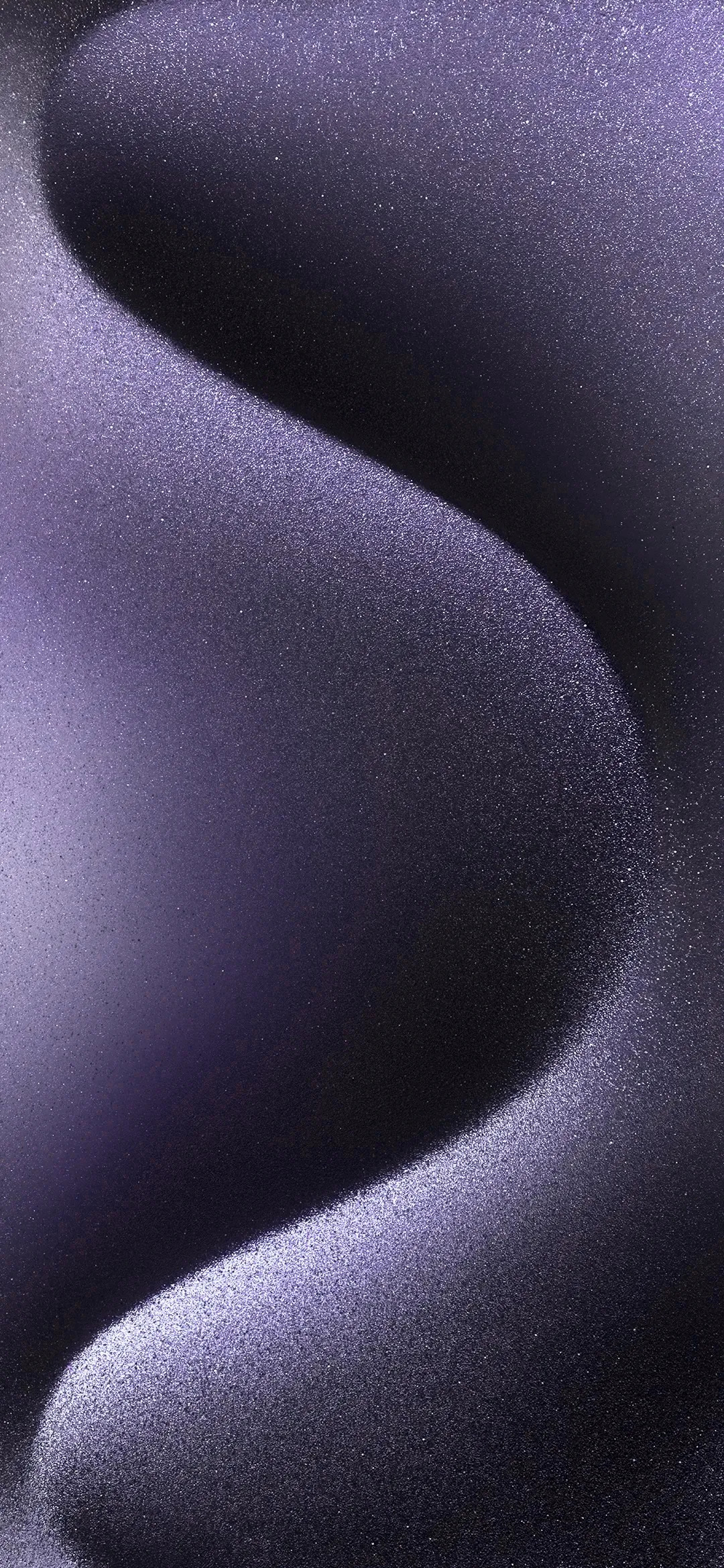
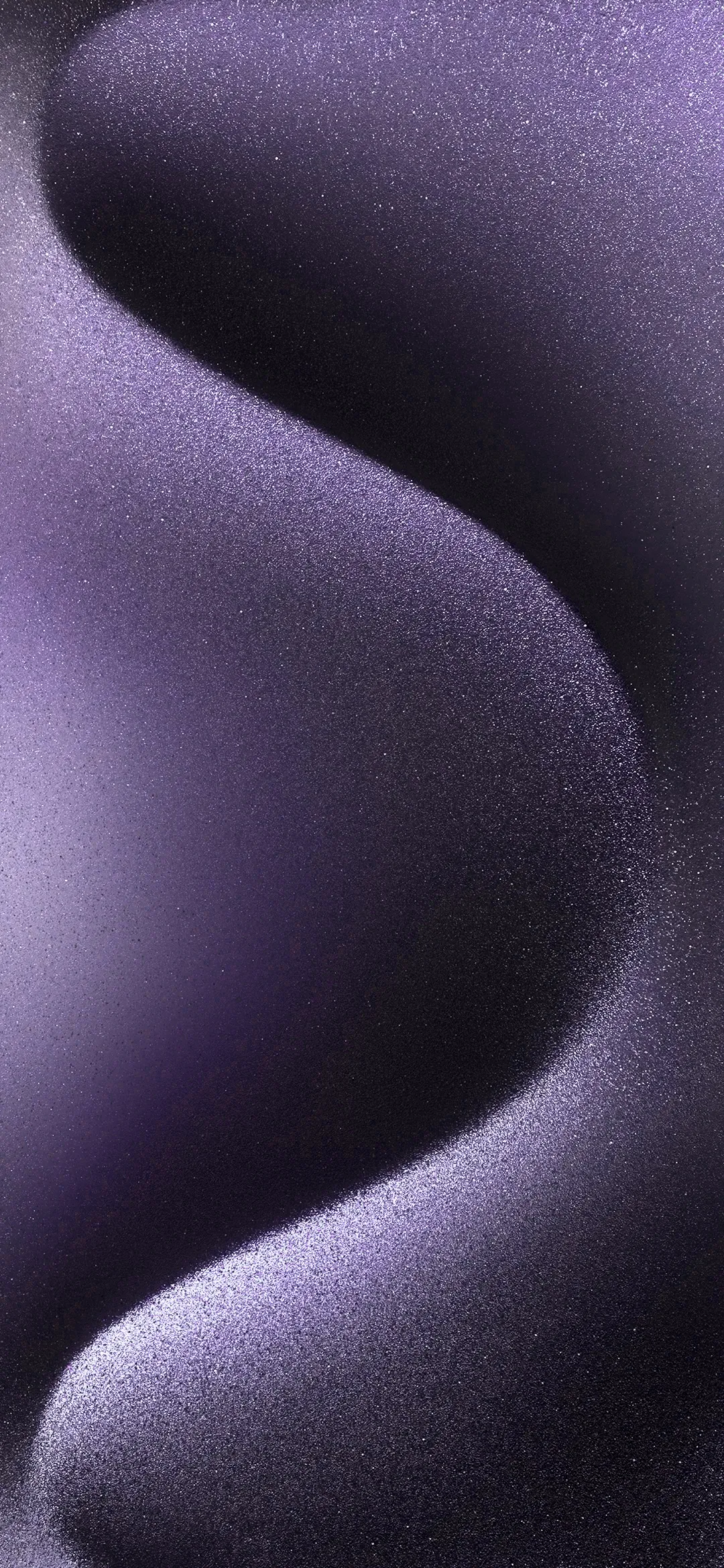
Want the new iPhone 15 and iPhone 15 Pro wallpapers on your phone? Here you can download all of them in full resolution: in one ZIP file, or one by one from the gallery below.
Download All iPhone 15 Wallpapers (ZIP)
In this article
iPhone 15 and iPhone 15 Pro colors
The iPhone 15 comes in five colors: blue, pink, yellow, green and black. The iPhone 15 Pro has a titanium finish in four options: natural titanium, blue titanium, white titanium and black titanium. Apple made matching wallpapers for each model.
These wallpapers come pre-installed on the new iPhones. But you don’t have to buy an iPhone 15 to use them: you can download them all here for free.
What’s in the download
- 25 wallpapers in one ZIP file (about 25 MB)
- 5 iPhone 15 wallpapers
- 20 iPhone 15 Pro wallpapers: 5 each for Black, Blue, Natural and White Titanium
- Most files are in WebP format, a few in JPG
How to download and use the wallpapers
- Click the Download button above to get all wallpapers in one ZIP file. On iPhone, open the ZIP file in the Files app and tap it to unzip it.
- Or click any image in the gallery below to open the full-resolution file, then save it. On iPhone, touch and hold the image and choose to save it to Photos.
- To set it as your wallpaper on iPhone, open the image in the Photos app, tap the Share button and choose Use as Wallpaper. You can also go to Settings > Wallpaper > Add New Wallpaper.
Give your phone a fresh look with the iPhone 15 colors, and don’t forget to grab your new wallpapers today.
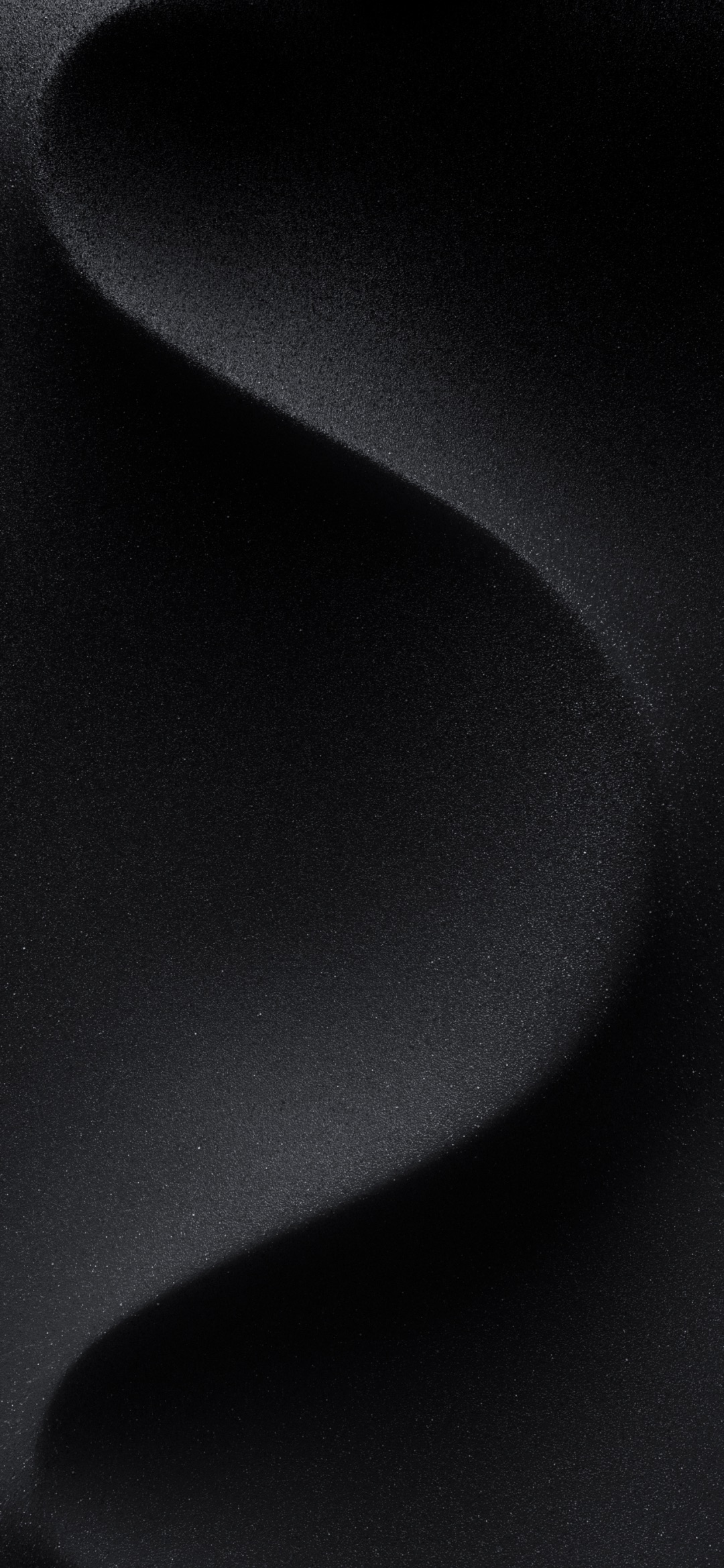
Just got a new iPhone? See how to move your WhatsApp chats from Android to iPhone and why US iPhones now work with eSIM only.