Microsoft has released emergency out-of-band updates for Windows 11. Unlike the normal monthly patches, these updates are urgent and highly recommended.
Microsoft rushed out these fixes on January 17, 2026, after the January security updates caused serious system-level problems for home users and businesses around the world. Here is what went wrong, why these updates are important, and who should install them right away.
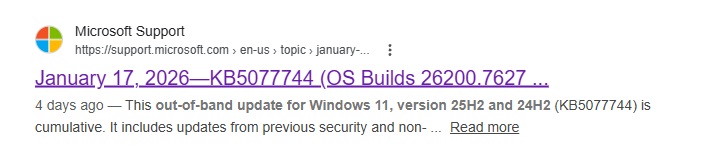
Update (October 2026): These January 2026 fixes are included in every later cumulative update. If your PC is up to date, you don’t need to install KB5077744 separately: just run Windows Update.
In this article
- What Triggered These Emergency Windows 11 Updates?
- The Most Serious Problems Explained
- Why These Updates Are Called “Emergency” (Out-of-Band)
- Affected Windows Versions and KB Updates
- Direct Download Links
- Should You Install These Updates?
- Does This Update Also Work on Unsupported Processors?
- “Something Went Wrong” When Updating an Unsupported Windows 11 PC, and the Update Rolls Back?
- Wallpaper Source
What Triggered These Emergency Windows 11 Updates?
On January 13, 2026, Microsoft released the regular monthly security updates for Windows 11. Shortly after, users began reporting major system issues, including:
- Remote Desktop sign-ins failing on Windows 11 and Windows Server
- PCs restarting instead of shutting down
- PCs failing to enter hibernation
The shutdown and hibernation problem hit Windows 11 23H2 PCs that have Secure Launch turned on. These are not cosmetic bugs. They affect core operating system functions, which is why Microsoft released the fixes as emergency updates.
The Most Serious Problems Explained
1. PCs would not shut down correctly
Affected PCs could not shut down properly. Instead of turning off, they would:
- Restart automatically
- Fail to go into hibernation
Over time, this can lead to:
- System instability
- Higher power use
- Possible file system corruption
2. Remote Desktop was broken
Another critical issue hit Remote Desktop connections. Users reported:
- Failed remote sign-ins
- Failed connections
- Authentication errors when connecting to servers or cloud PCs, for example with the Windows App
This problem was especially serious for:
- IT administrators
- Remote workers
- Businesses that rely on remote access
Why These Updates Are Called “Emergency” (Out-of-Band)
Normally, Microsoft releases fixes on Patch Tuesday, once a month. This time, Microsoft released out-of-band updates, which means:
- The fixes came outside the normal schedule
- They target specific critical issues
- They should be installed as soon as possible
Microsoft only does this when a problem:
- Affects many users
- Breaks essential system functions
- Cannot wait until the next update cycle
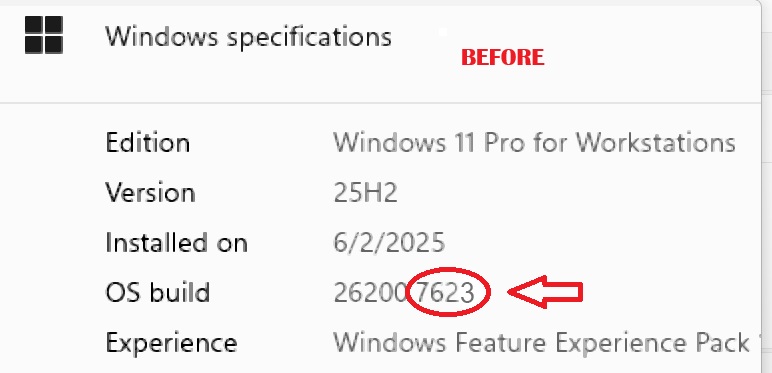
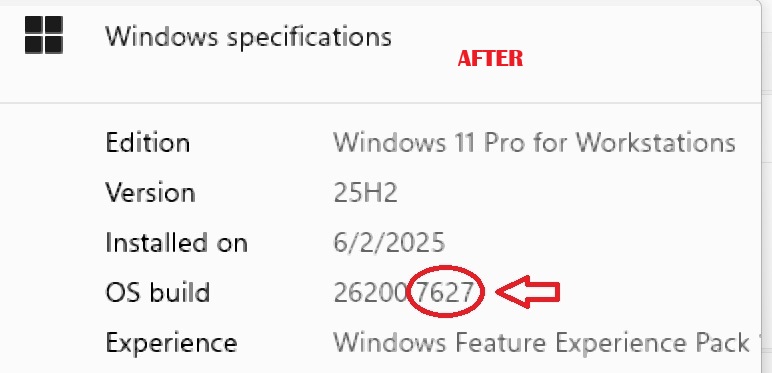
Before and after the update on Windows 11 25H2: build 26200.7623 changes to build 26200.7627.
Affected Windows Versions and KB Updates
These emergency patches apply to:
- Windows 11 25H2 / 24H2: KB5077744 (builds 26200.7627 and 26100.7627)
- Windows 11 23H2: KB5077797 (build 22631.6494)
- Windows Server 2025: KB5077793
- Windows Server 2022: KB5077800
All four updates fix the Remote Desktop sign-in failures. KB5077797 for Windows 11 23H2 also fixes the shutdown and hibernation problem on PCs with Secure Launch.
Direct Download Links
Many people in the comments had trouble finding the correct update file for their Windows build, so I added direct download links for each version below.
Download KB5077744 (25H2)
Download KB5077744 (24H2)
Download KB5077797 (23H2)
Download KB5077793 (Windows Server 2025)
Download KB5077800 (Windows Server 2022)
Disclaimer: All update files linked here come directly from the official Microsoft Update Catalog. We do not host, alter or modify any files. These links are only here for your convenience.
Should You Install These Updates?
Yes, especially if you use your PC for work, production or remote access.
Install the update right away if:
- Your PC doesn’t shut down correctly
- You rely on Remote Desktop
- You manage servers or several computers
- You want to avoid system instability
If you skip these patches, your system may stay in a broken or unreliable state.
Microsoft Update Catalog:
https://www.catalog.update.microsoft.com/Search.aspx?q=KB5077744
If an update causes new problems on your PC, see how to uninstall a bad Windows 11 update.
Does This Update Also Work on Unsupported Processors?
Answer: yes.
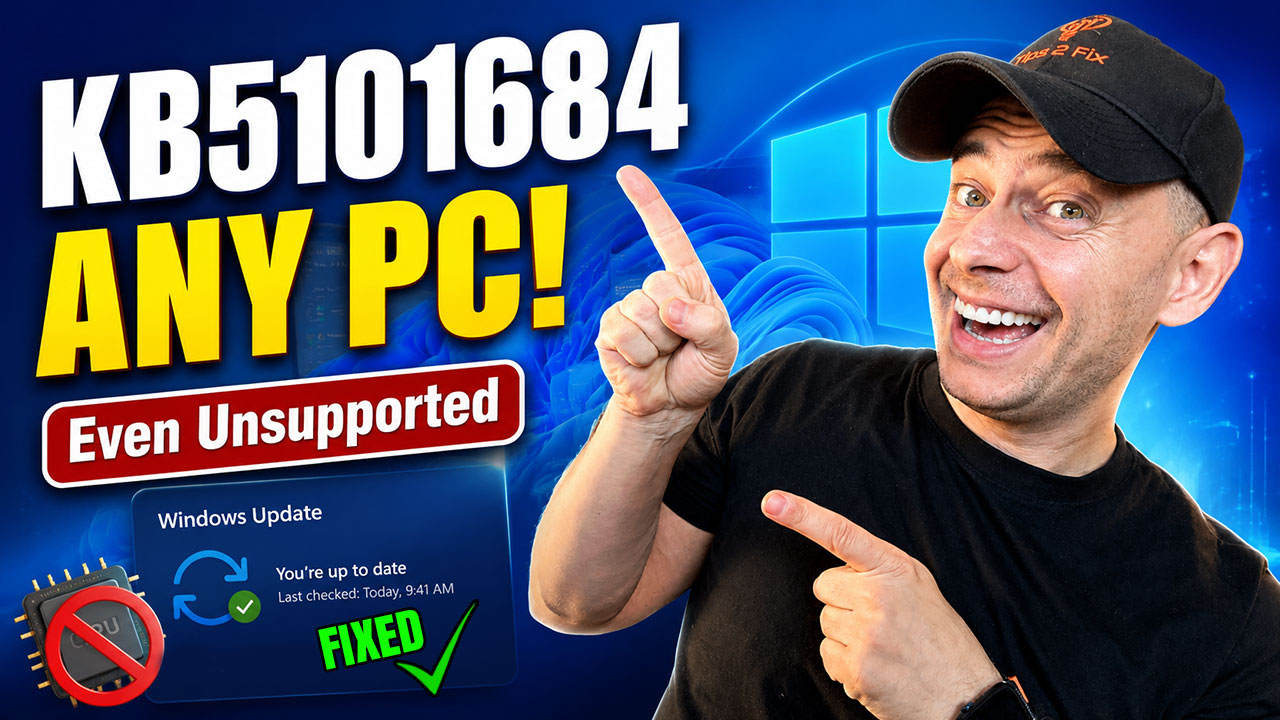
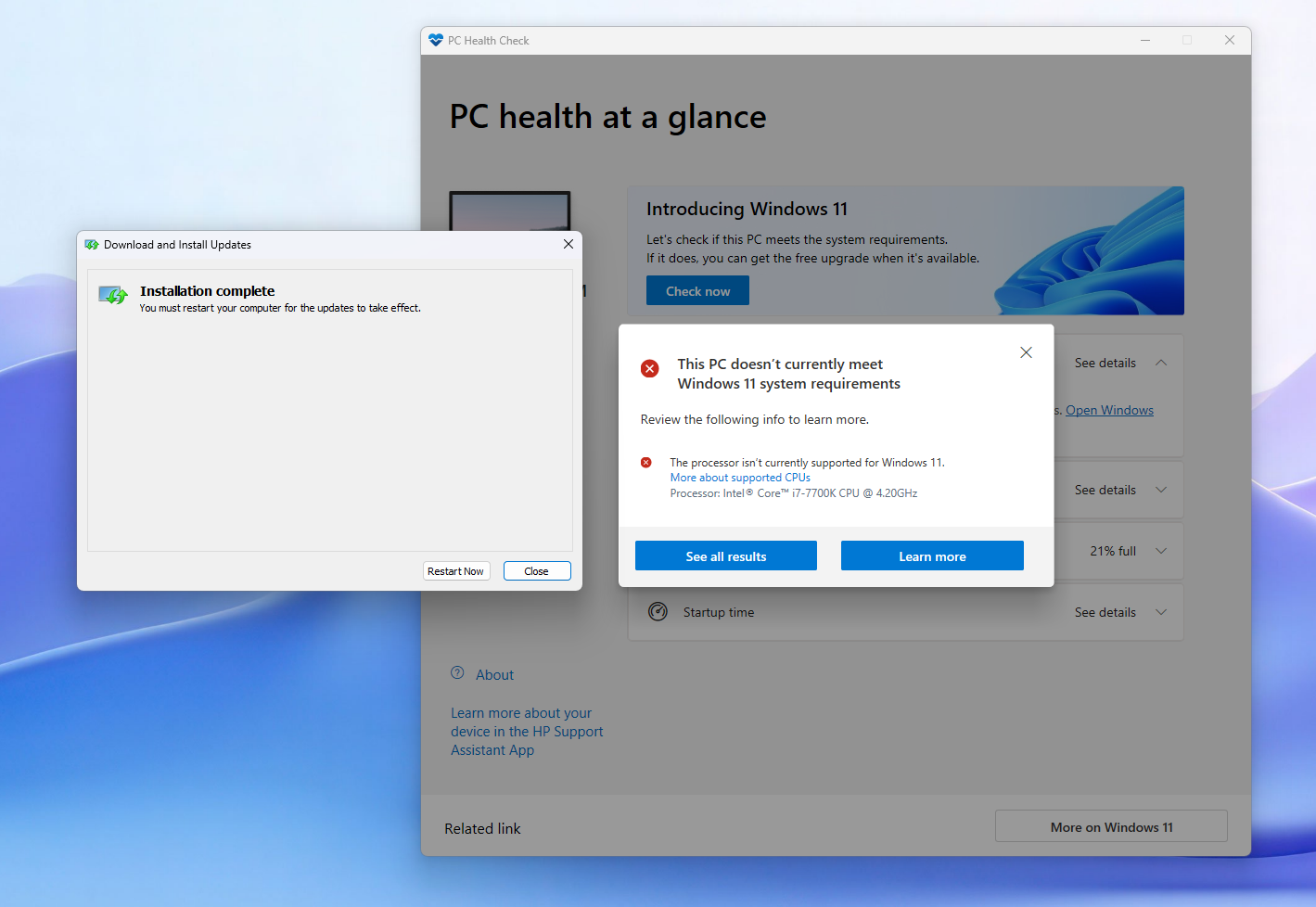
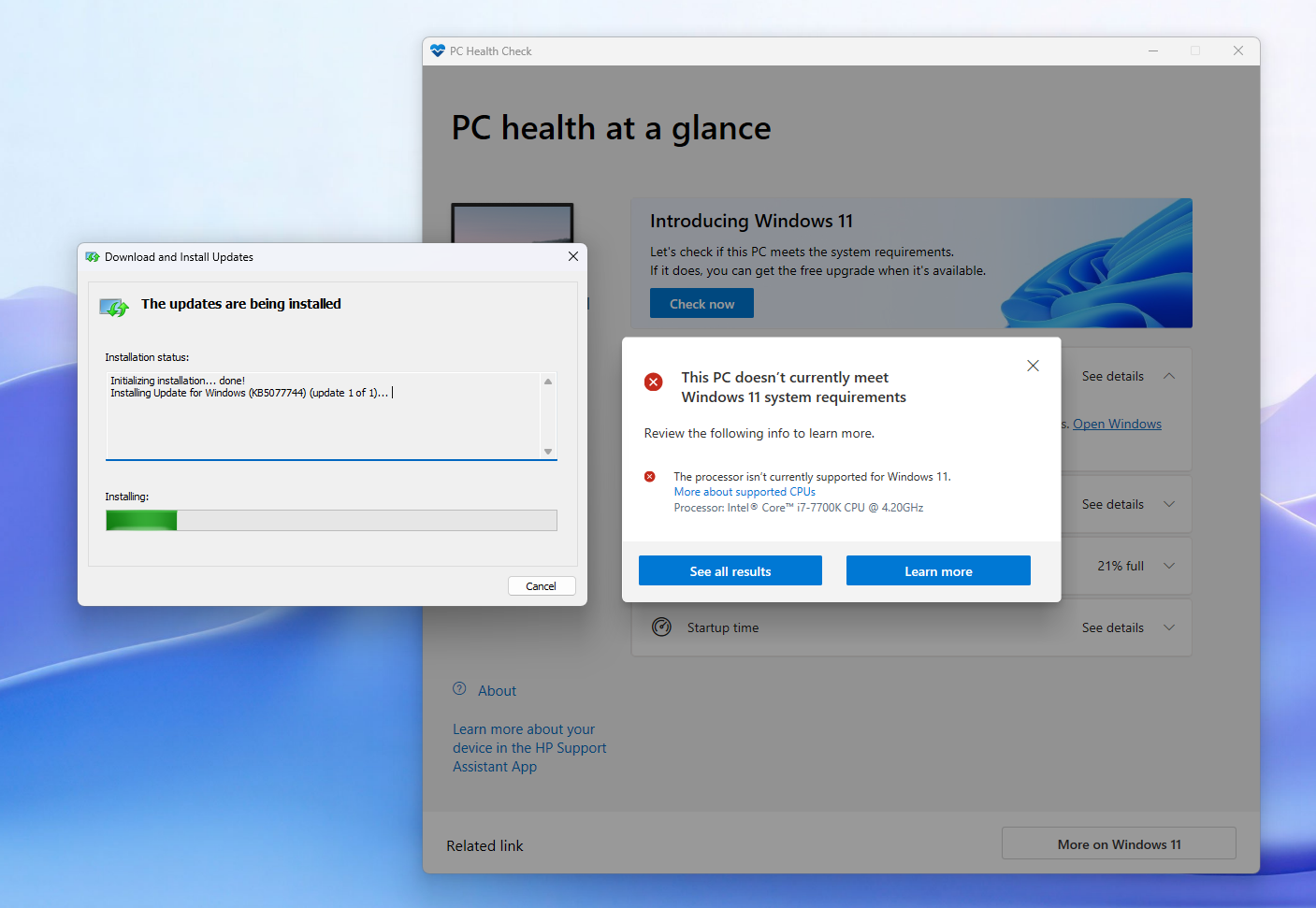
I tested this update myself on an unsupported Intel i7-7700K processor, and it works without any issues.
The update installs successfully and works normally, even on PCs that don’t officially meet the Windows 11 hardware requirements.
“Something Went Wrong” When Updating an Unsupported Windows 11 PC, and the Update Rolls Back?
On unsupported Windows 11 PCs, this usually happens when the update doesn’t match your exact build (23H2, 24H2 or 25H2), or when you did not apply the bypass registry script again before updating.
During the update, Windows checks the hardware again (CPU, TPM, Secure Boot) and rolls back if the bypass is missing.
- Check your Windows 11 build first: press Windows + R, type
winverand press Enter. - Download the KB that matches your build.
- Run the same bypass registry script you used for the unsupported install again, then try the update again.
Download Bypass Registry Script 1
Download Bypass Tool 2 (Flyoobe)
- Script 1 source (AveYo, Skip_TPM_Check_on_Dynamic_Update): https://github.com/AveYo/MediaCreationTool.bat/tree/main/bypass11
- Tool 2 source (Flyoobe 2.4.854): https://github.com/builtbybel/FlyOOBE/releases/tag/2.4.854. Newer Flyoobe versions are on the Flyoobe releases page.
Tip from Tips2Fix: if Windows Update is paused on your PC, resume updates so the emergency patch can install. You can pause them again afterwards.
Wallpaper Source
Wallpaper credit:
Abstract Soft Blue And Purple Waves [1920×1080]
by u/FerdalKrmn in wallpaper