Is your DJI Mavic Pro not connecting to its remote controller? From time to time, the remote controller can lose its link (sync) with the aircraft. A new drone comes already linked to its controller, but after a repair or a replaced part, you may have to link them again. This also applies when you send the drone to DJI to replace a part. In my case, the remote stopped connecting after we replaced one of the drone’s legs.
In this tutorial, I show you step by step how to link the DJI Mavic Pro remote controller with the aircraft again.
In this article
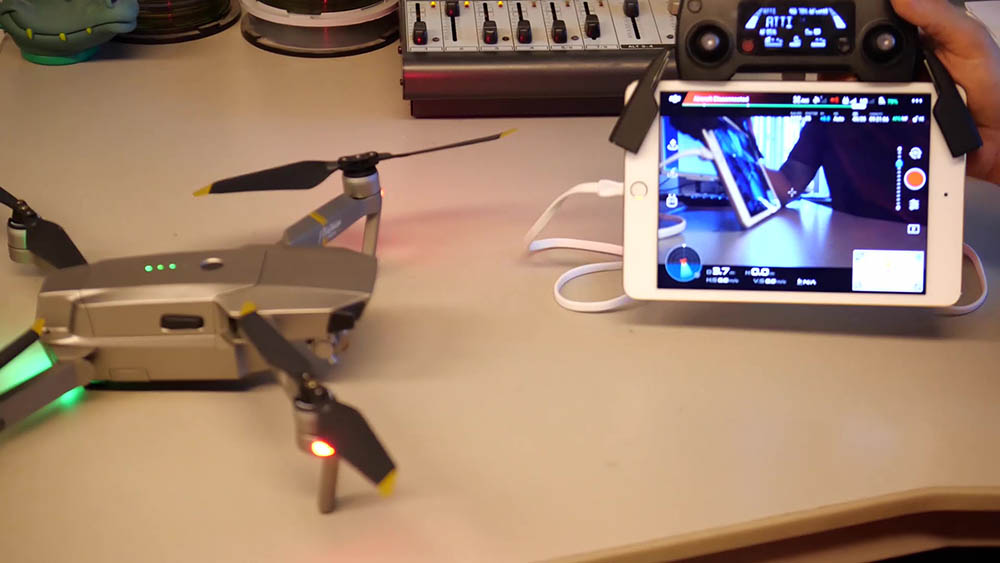
The Symptom: A Blinking Yellow Light
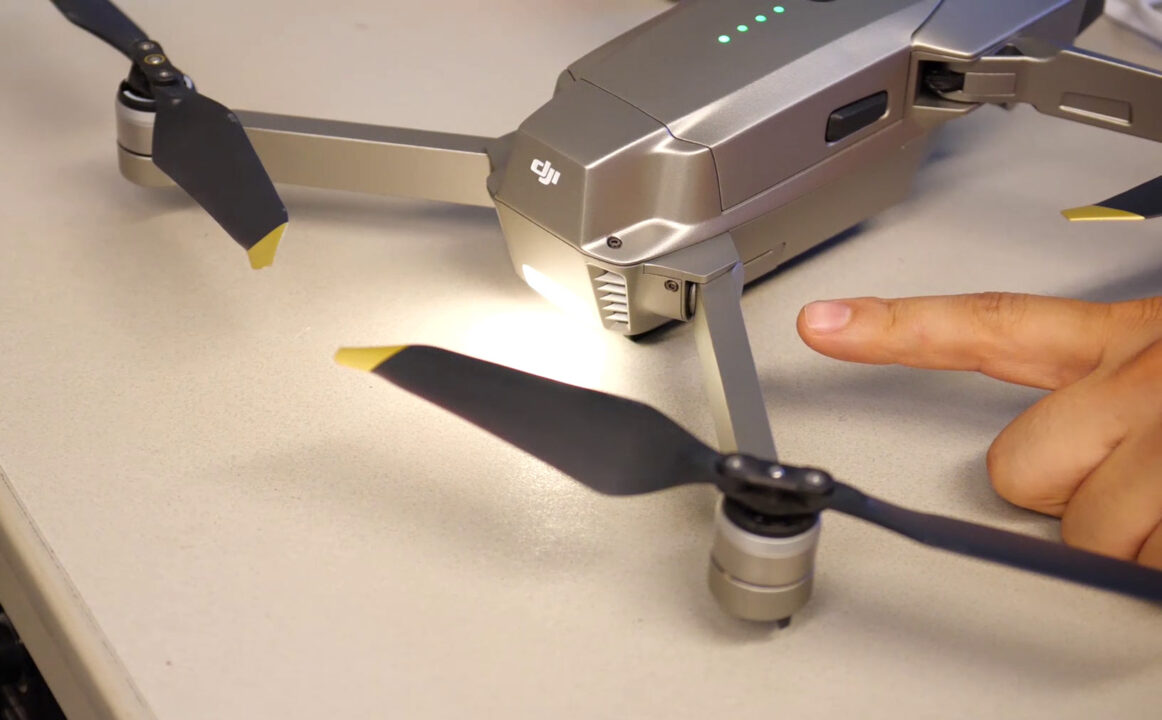
The main sign of an unlinked remote controller or mobile device is a flashing yellow light at the back of the aircraft, as you can see in this image. The app also shows Aircraft Disconnected.
Before You Link the Remote Controller
- Make sure the aircraft, the remote controller and your mobile device are all fully charged.
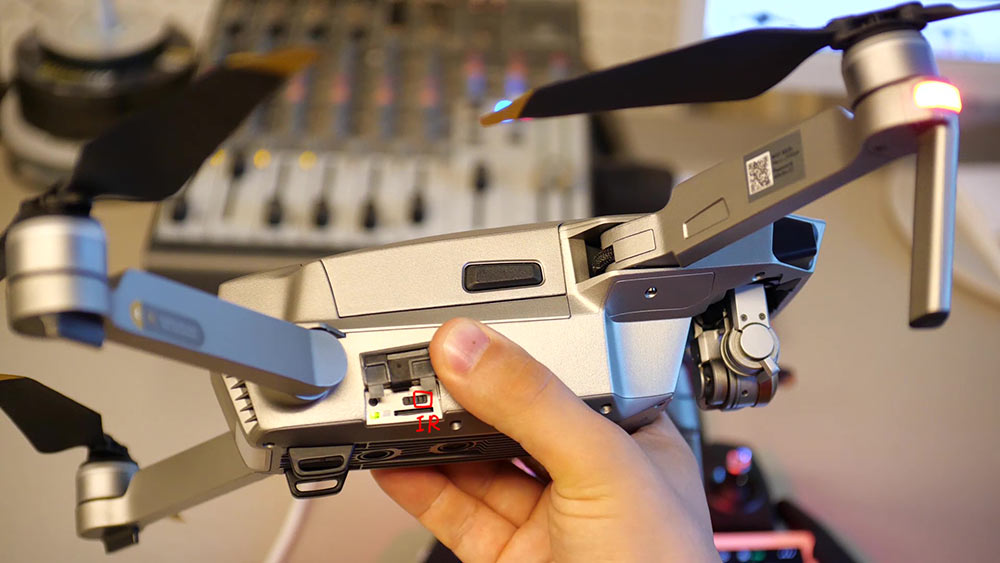
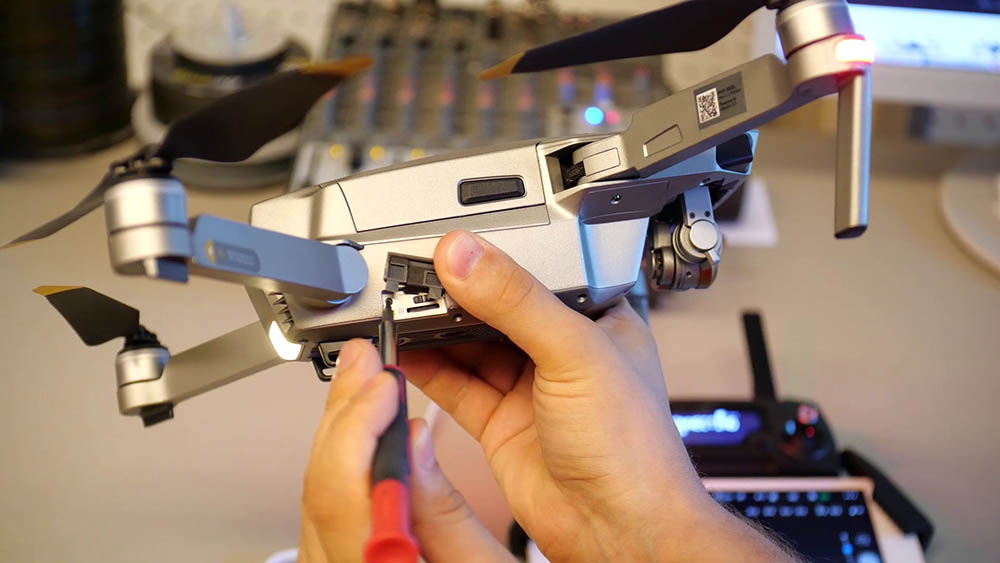
- Open the small flap on the side of the aircraft (it also covers the microSD card slot). Make sure the control mode switch is set to RC, not Wi-Fi.
How to Link the Remote Controller to the Aircraft
- Connect the remote controller to your mobile device with a suitable USB cable.
- Turn on the remote controller and the aircraft.
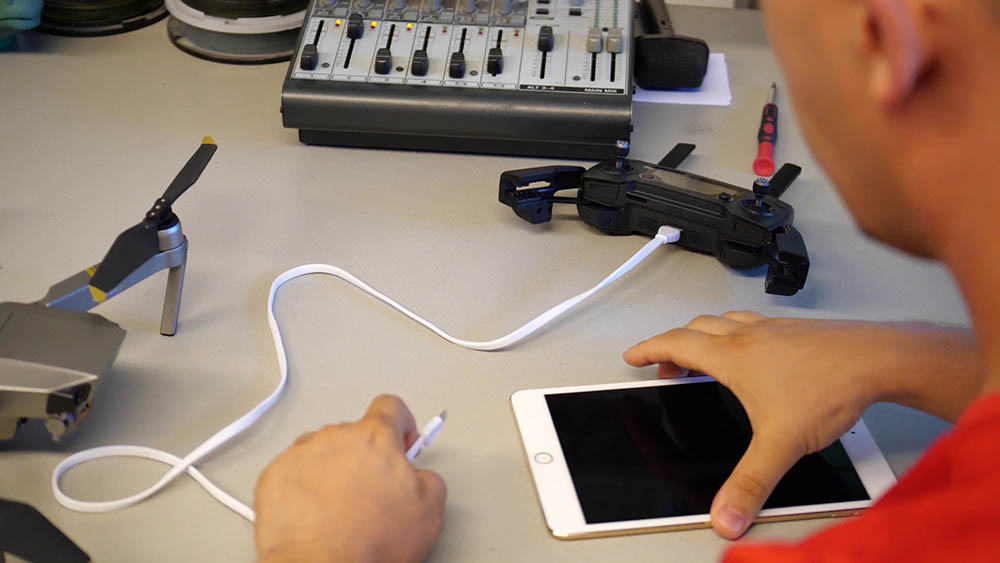
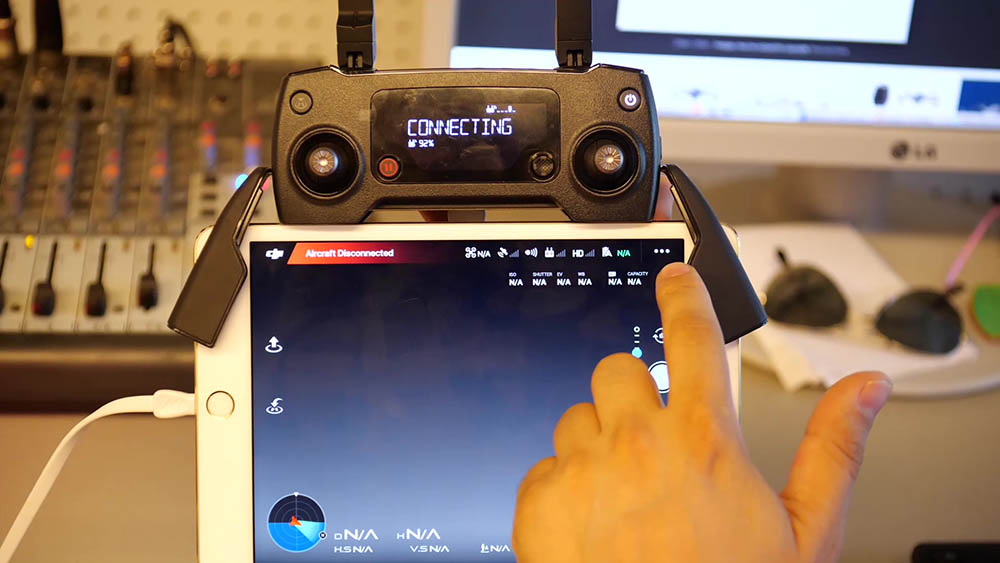
- Open the DJI GO 4 app on your mobile device and tap the blue Camera button.
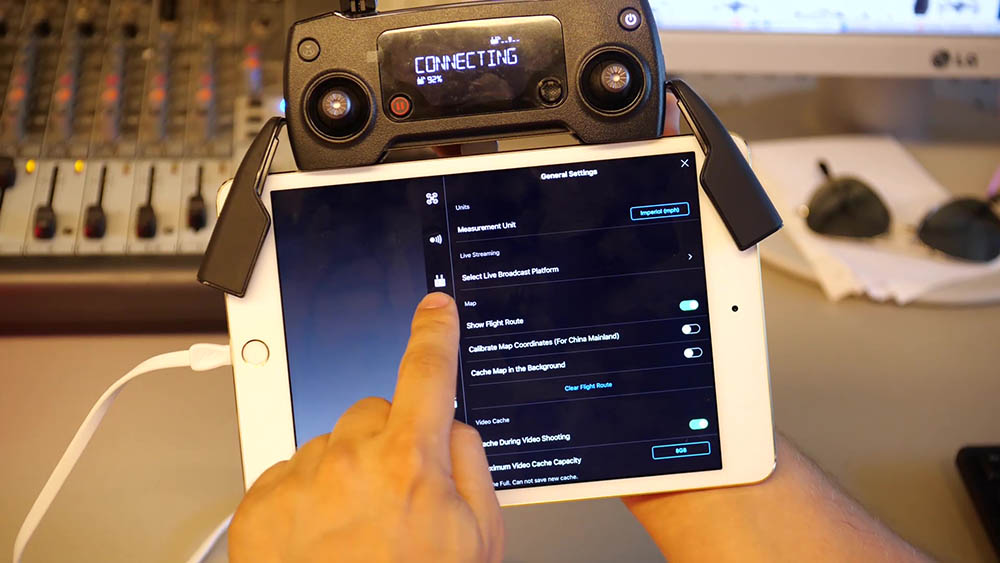
- Tap the three dots in the top-right corner of the screen to open the settings menu.
- Tap the small remote controller icon on the left side of the menu.
- At the bottom of the Remote Controller Settings, tap Linking Remote Controller.
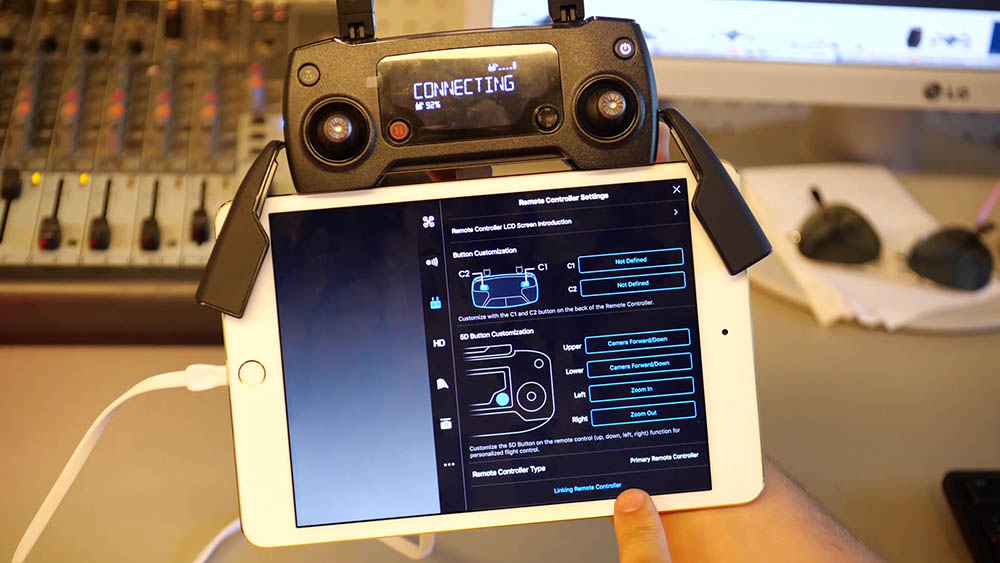
- Choose Primary Remote Controller (also called Master) and tap OK. Only choose Secondary if this is a second controller.
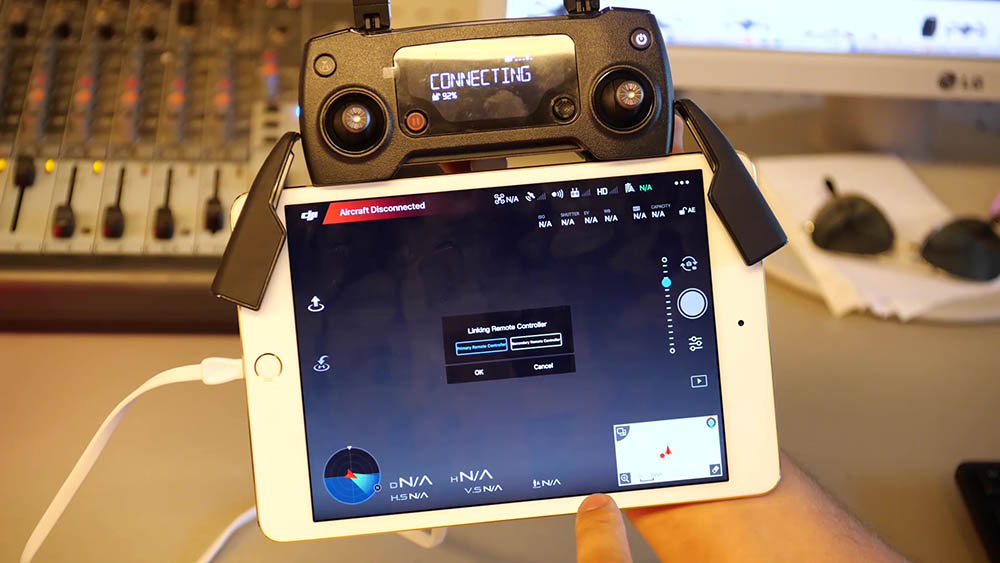
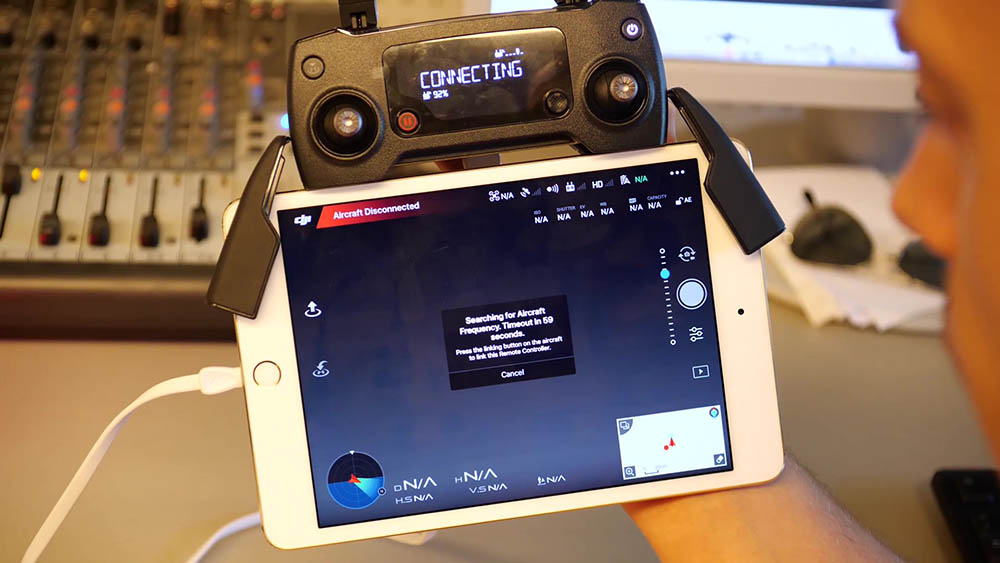
- The app now shows Searching for Aircraft Frequency, with a countdown of about 60 seconds.
- With a small tool, such as a small screwdriver, press the link button on the side of the aircraft, under the flap and above the red LED. Press it once.
- Wait up to 60 seconds until the app confirms Remote Controller Linked.
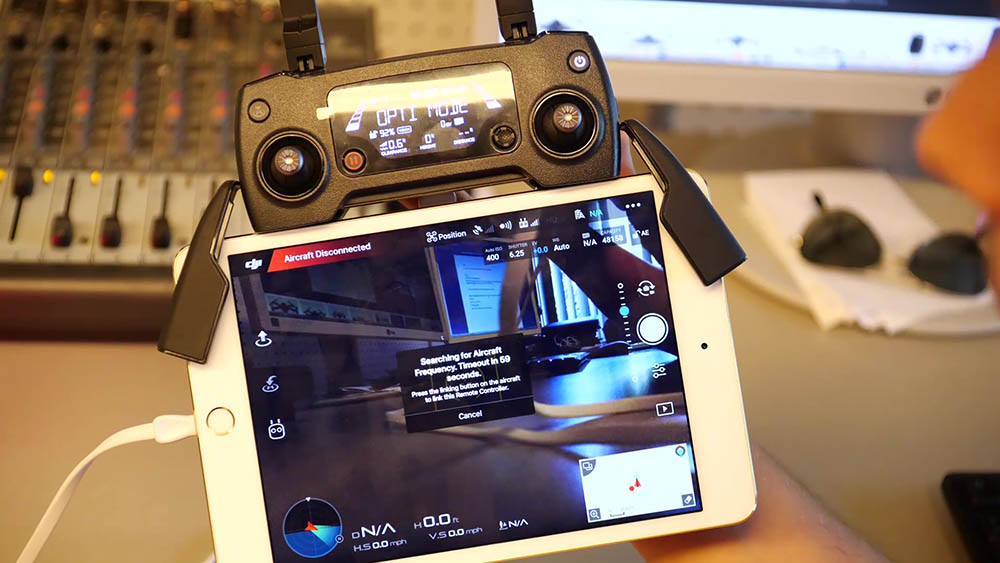
That’s all there is to it! Your Mavic Pro is now linked with its remote controller.
Tip: To test the link, turn the aircraft off and on again. It should now connect to the remote controller automatically.
Interested in DJI’s smaller drones? See the full DJI Mavic Mini specifications.
For more tutorials like this, don’t forget to subscribe to our channel:
Subscribe to Tips2Fix