
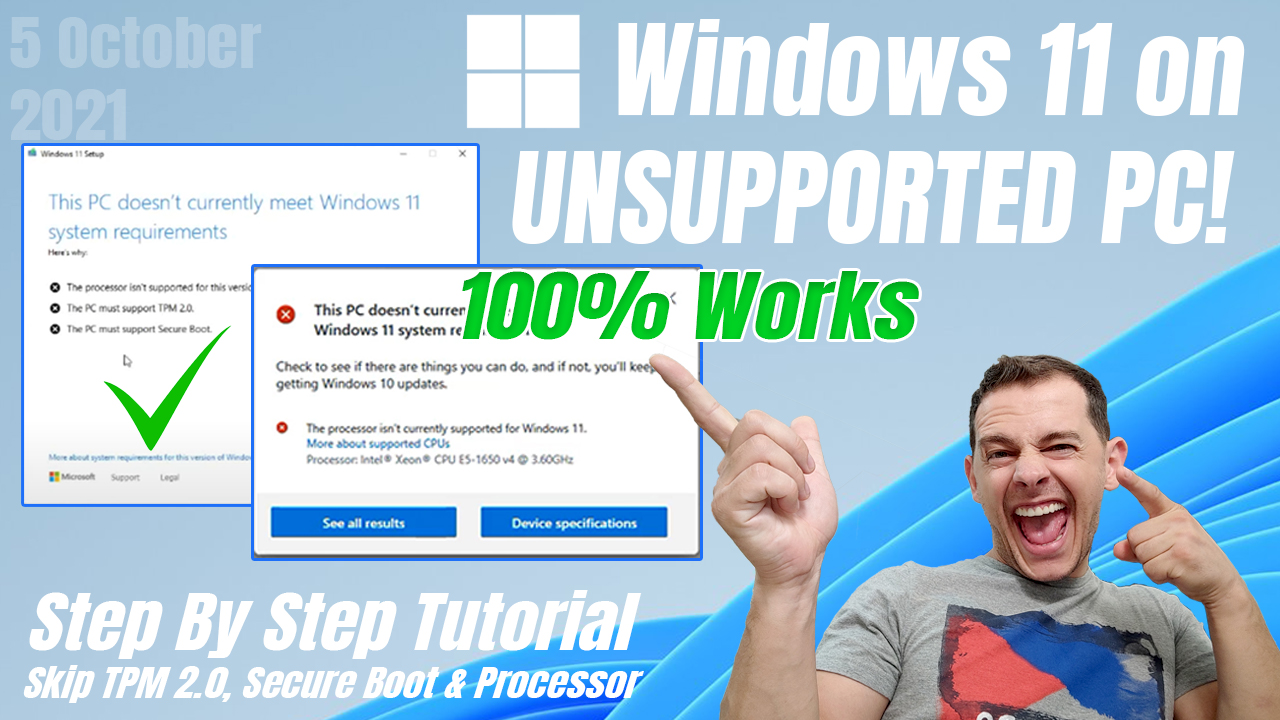
In this video tutorial im showing new method How to install Windows 11 22H2 on Unsupported PC using cmd script and also two other methods with appraisers.dll and the third method is using rufus. All of this methods are working well.
Google Drive Link
Download Windows 11-22H2 BypasserDirect Download Link
Direct Download BypasserOne Drive Link
Download Windows 11 23H2 BypasserOriginal Author Script Link
Visit GitHub Original Post/SctriptDownload Windows 11 ISO File
Download Windows 11 ISO File Official WebDownload PC Helth Check
Download PC Helth CheckMicrosoft Page that show us that you can install Windows 11 on Unsupported PC!
Watch Official Microsoft Here
Other Methods To install Windows 11
1. Replace Appraissers.Dll
See this Post
2. Use Rufus :
See this Post
[…] New Method to Install windows 11 22H2 Click Here […]
it’s not downloading the bypasser. it brings me to a Url. and its nothing. please fix thanks
Its Working.. Dont run multiple time.. the same script used for activate and deactivate. unknowingly i ran 2 times and it was not working first. I did it again and its working.
[…] https://www.microsoft.com/software-download/windows11 […]
great it working well
Woow .. It works great!
Thank you very much!
Hi, I used this method on 3 workstations and it works. Thanks. But in 4th console cmd file ,right after opening, says:
“Filename, directory or volume label syntax is incorrect.
The system cannot find the path specified.”
What should I do to rectify this matter? Thanks in advence.